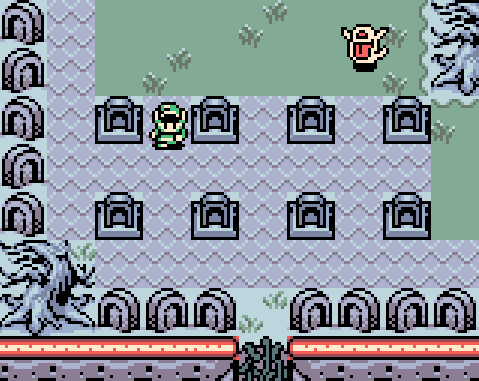
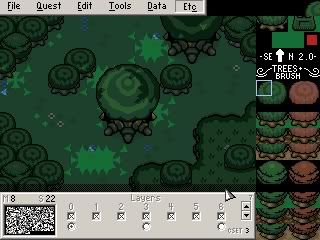
WindStrike wrote:Oh, just wondering how I can make this shot look a little more magical: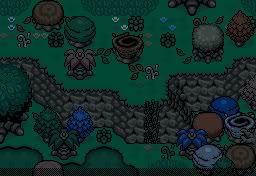
It's part of the "Magic Forest"... but somehow, it doesn't look all too magical to me. That, and I'm thinking I should tone the colors and variety of trees down a bit. It's already got that fairy stuff over it... though it's a bit transparent. As for that tree, I'll obtain it later.
1. Try making that "fairy stuff" not transparent. It works better that way.
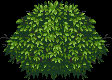
2. Make an overlay of some kind of brush over the top of everything, but don't use the LttP ones. Instead, use these:
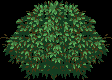
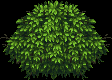
Wow... those turned out terrible as DoR colorings. Here's the original, if you think you can do something better:
3. It's a magic forest, right? Is it suppossed to be night? I would think a magical forest would be really bright and shiny, wouldn't you?
4. More with the bright and shiny stuff... How about you add in some light effects? The light effects Minish Woods uses from TMC would be nice, lemme get it...
On second thought, you can grab that one on your own, right?
5. Try adding some glitter effects. You can do this too, right? Put it on layer 6, above everything else.
6. It's a magic forest, so it should have fairies, right? Use the power of FFCs to make the occasional fairy fly by, or something.
7. Why stop at just fairies? Try ripping the Celebi, Jirachi, and Mew sprites from Pokemon Mystery Dungeon and add them to the mix.
8. What about a MIDI for this area? It should be nice and glittery... Try the Star Heaven music from Paper Mario.
9. Continuing on the animals... Try birds! And squirrels... I love squirrels...
And I think that's as "magical" as we are gonna get it...
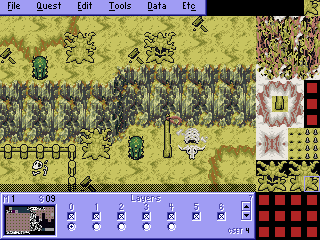
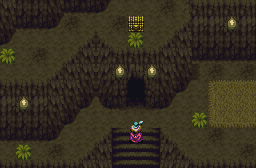
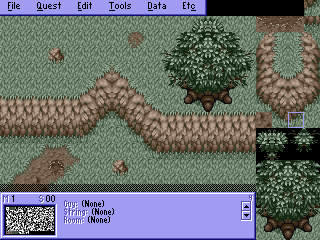
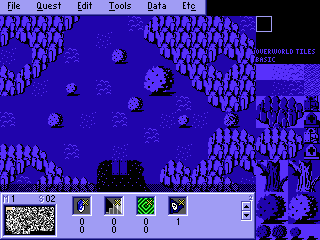
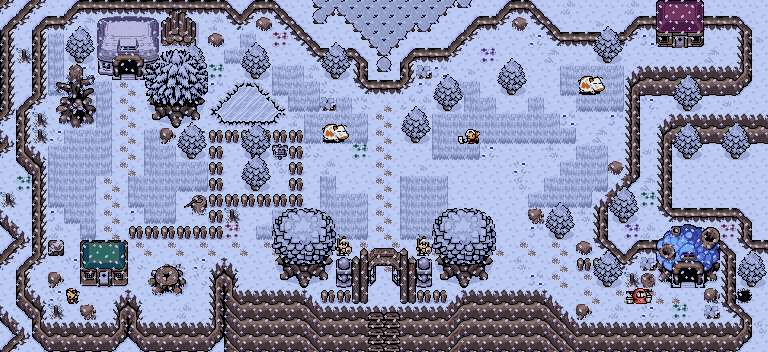


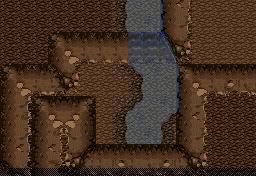
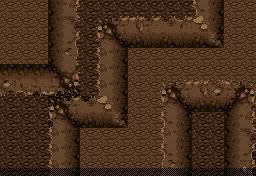
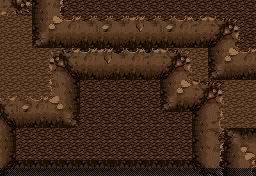
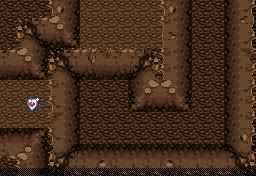
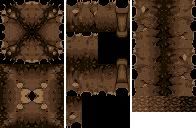
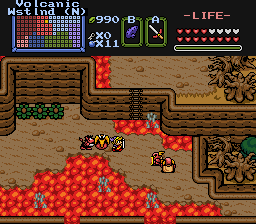
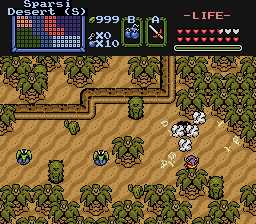
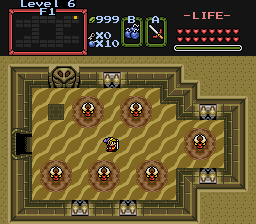
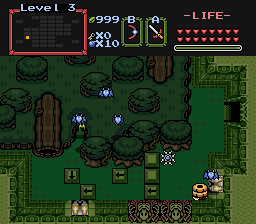
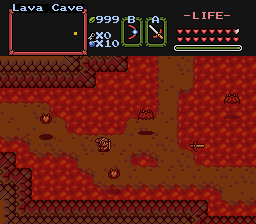
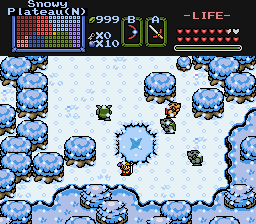
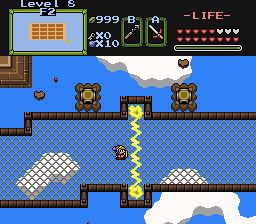
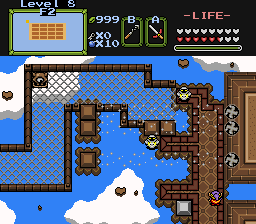
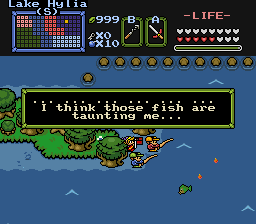


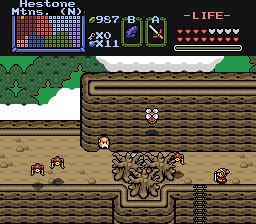


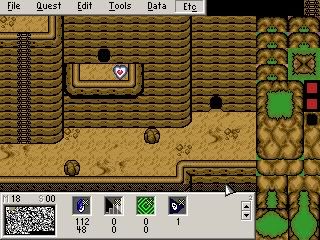

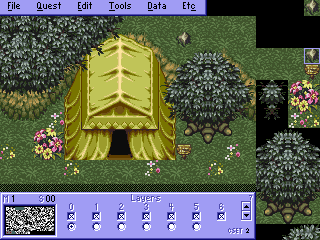 The set currently doesn't have much ground details... Working on that.