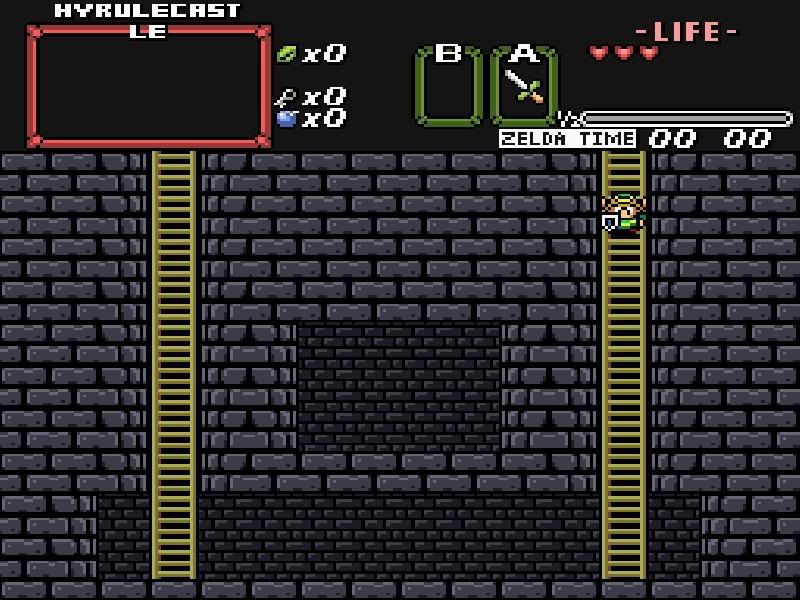
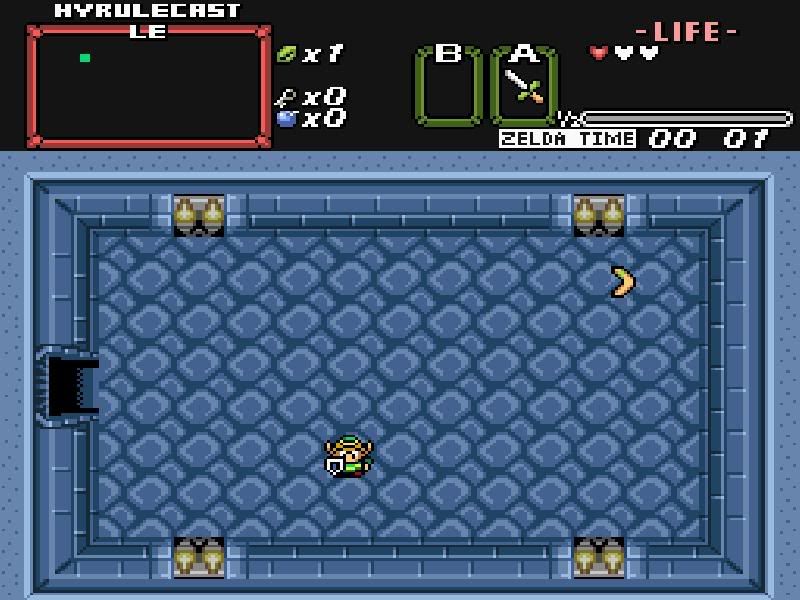
O_O whoa thank you I didnt expect that. lol that was very very nice of you AND it looks better too..I don't know how to thank you.
Edit:http://img.photobucket.com/albums/v150/DarkShadowRage/Zelda/ZCError.jpg <--this is the error I get everyonce in a while when I close out Zelda-W
(Shadow) wrote:O_O whoa thank you I didnt expect that. lol that was very very nice of you AND it looks better too..I don't know how to thank you.
make a really good quest for Elise to play, she gets irritable when she doesn't have a good quest on hand and then she locks me in my cave in an attempt to get me to build her one, that will be thanks enough. 😉
Ill do my best 😊. and thank you for your help seriously.
(Shadow) wrote:Edit:http://img.photobucket.com/albums/v150/DarkShadowRage/Zelda/ZCError.jpg <--this is the error I get everyonce in a while when I close out Zelda-W
You might ask Sean about that, he built the launcher, it may or may not have something to do with that.
nah its not the launcher its the Zelda-W program it did that with ZC 2.10 even with out the launcher. the launcher is fine.
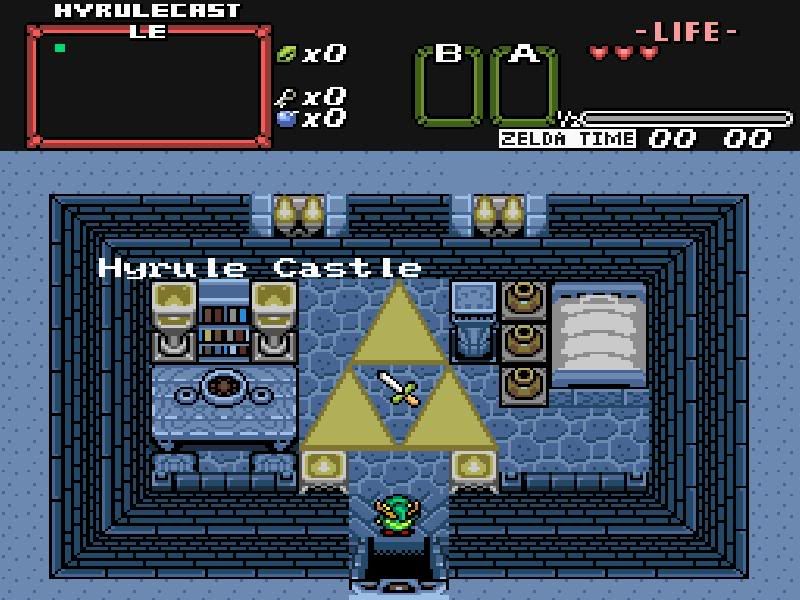
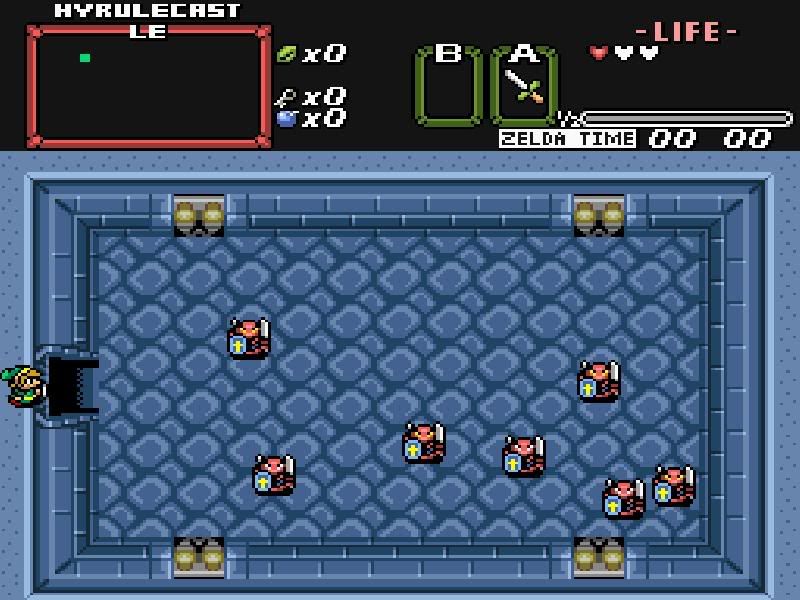
edit:How come my shutter doors and locked doors..are appearing as ..opened?
Then it's probably what I said before, you've got some spyware lurking in there somewhere.
(Shadow) wrote:edit:How come my shutter doors and locked doors..are appearing as ..opened?
You have the Dmap set to Cave. You can't have locked and shutter doors in Cave Dmaps. However, I believe you can fix this by going to Data -> Screen Data. Click the Screen Flags 2 tab, then check Treat as Dungeon Room. This should fix it. Altogether, you should change it from Cave to Dungeon.
Pineconn wrote:You have the Dmap set to Cave. You can't have locked and shutter doors in Cave Dmaps. However, I believe you can fix this by going to Data -> Screen Data. Click the Screen Flags 2 tab, then check Treat as Dungeon Room. This should fix it. Altogether, you should change it from Cave to Dungeon.
well i went to my Dmap settings it says it's already a dungeon O_o
(Shadow) wrote:well i went to my Dmap settings it says it's already a dungeon O_o
Is that so? It must be some 2.11 thing. Someone who has experience with 2.11 (unlike me--I shan't tinker with it until a final release!) can help you. :shrug:
oh well. i guess ill have to wait till the final release of 2.11 then 😉 untill then you get the idea ^_~
You have to use the doors tool for automatic doors and it has to be a dungeon dmap or screen flag treat as dungeon.
The rooms I made for you I painted the doors in, so if you copy paste them to use elsewhere you will need to add the doors through data>doors.
You also need to choose what doorset when that screen comes up before selecting the door to be used.
Doors work correctly in the 2.11b10b, so if there is a problem it's in your set-up
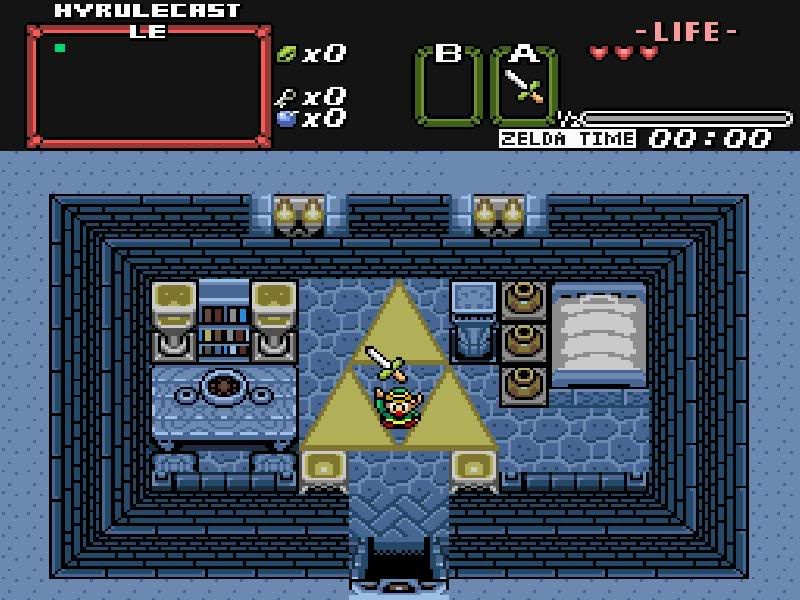
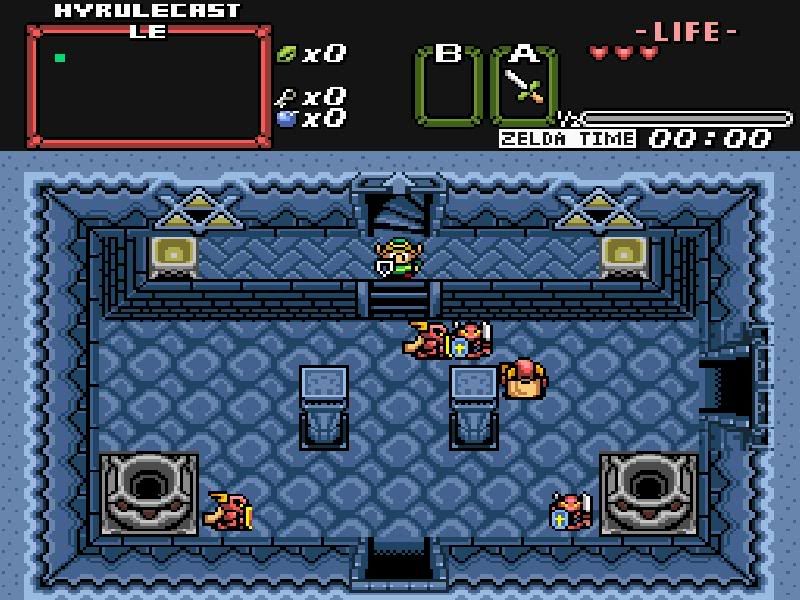
With the second-to-last shot, you should fix how Link isn't going under the door. That combo must not be set to Overhead.
(BTW, thanks for posting the URL to the images instead of posting the image itself. )
Freedom wrote:You have to use the doors tool for automatic doors and it has to be a dungeon dmap or screen flag treat as dungeon.The rooms I made for you I painted the doors in, so if you copy paste them to use elsewhere you will need to add the doors through data>doors.
You also need to choose what doorset when that screen comes up before selecting the door to be used.
Doors work correctly in the 2.11b10b, so if there is a problem it's in your set-up
Well on the 2nd floor. I did Use the door tool. I must have done somthing wrong then.
Pineconn wrote:With the second-to-last shot, you should fix how Link isn't going under the door. That combo must not be set to Overhead.(BTW, thanks for posting the URL to the images instead of posting the image itself. )
Not a Problem 😊 and thanks ill do that! 😊
To get Link to walk inside the door instead of over it, find the door combo on the right side and right click on it, then choose overhead as it's combo type, do both the left and right tops
That's a pretty bad tileset, you should change to one that is properly set up before you have a bunch of work it your quest.
It would save you TONS of time at this point.
Which kind of Pure is it? PTU is supposed to be more organized, but I'm using regular Pure and (I think) it's fine. :shrug: Of course PTUX is supposed to be even better.
EDIT: I take that back. I remember how I had to fix much of the door combo sets and Link's movements with a magic or mirror shield. Oh, and Nayru's Love wasn't even set up. Some tiles were even a little off. :scared: How fun it was to fix. 😉
Well the door goes over links head..but apparently he's too short for this ride..he needs to be atleast as tall as teh clown!
http://img.photobucket.com/albums/v150/DarkShadowRage/Zelda/OverheadDoor.jpg
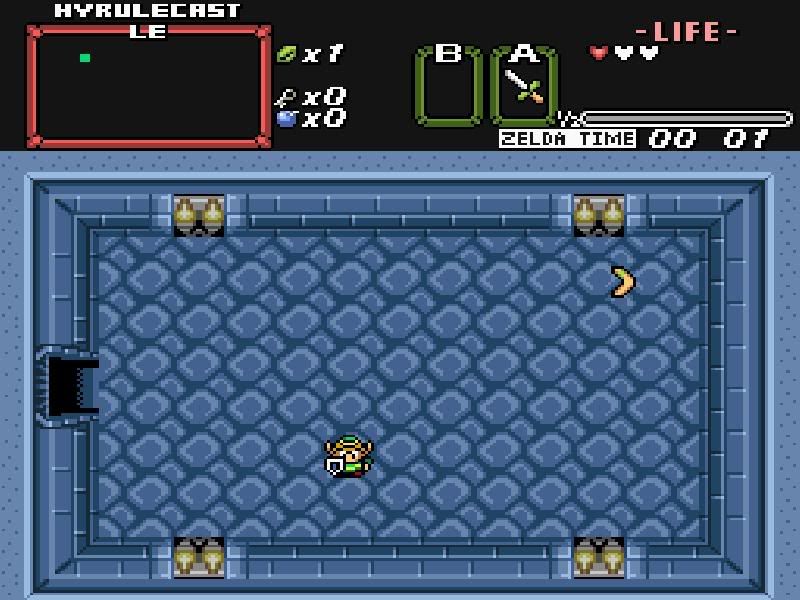
And he loves his boomerang
http://img.photobucket.com/albums/v150/DarkShadowRage/Zelda/TheBoomerang-1.jpg
The Tileset is
Puretiles-Release2
Whichever one it is, it's a mess
your pic....
You just do the top of the door as overhead. 😉
You did the bottom portion
You need to change tilesets, you'll be 2 months going around fixing all of that stuff.
IF you want Pure, get Mr. Z's latest
You might want to go with Pure Tileset Update. It's a [strike]little[/strike] much better, but still not too complicated to use. If you want, go ahead and use Pure Tileset Update Extreme.
but what about my tiles? and such O.o...wouldent i have to do it all again? ;-;
You haven't done but a couple of screens, you'd more than make up for that with the time you'd save changing it now.
Chalk what you've done up as practice. 😉
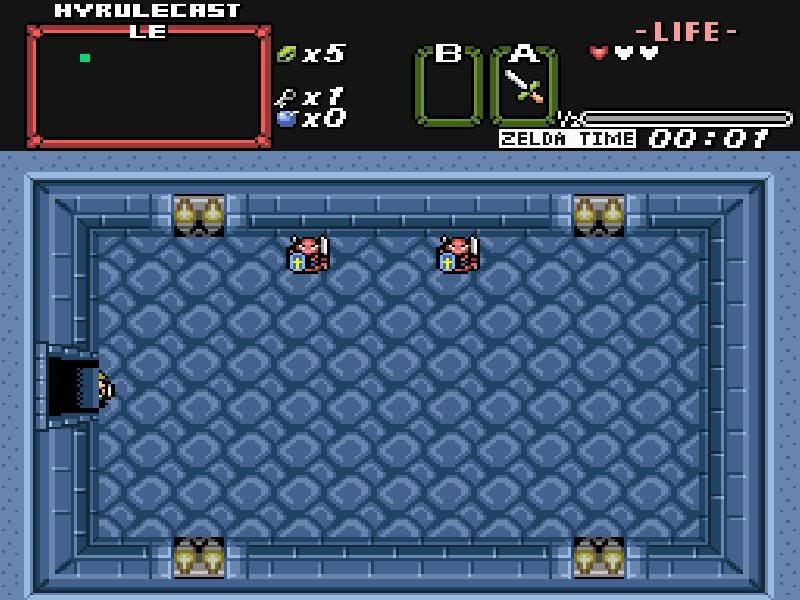
Well I fixed the overhead part.. I just really wanna get the doors to show up.. I wanna use what I have..it took me a while to get what I have now..plus with freedoms help.
http://img.photobucket.com/albums/v150/DarkShadowRage/Zelda/LinkIndoor.jpg
You got a whole lot more than that door to fix if you keep that tileset. 😉
Get Mr. Z's newest Pure release, you'll be much happier.
better tiles, better organization, easier to use, and you could build a quest instead of spending all your time trying to fix a tileset.
There isn't a chance I'd use that set you have, that would drive me to serious frustration. 😉
Here is the Quest File its self..i wonder if someone could port it over to one of the better tile sets then? if its possible because I like the lay out I have.. o_o...
http://www.filelodge.com/files/hdd6/147642/Triforce%20Quest.zip
btw I have all the pure tilesets..but that one had the stuff I needed.. i didnt see the big triforce emblem in the others
It's how that set is layed out.
They just threw the combos in, didn't put them in a working order, didn't set their properties... in short either didn't know what they were doing or didn't care.
You'll probably run into all kinds of weapons problems and item problems too, they probably aren't there, like the Nayru's love, the Farore's wind, the din's fire.
Grabbing in new tiles from one pure set to another is easy, but setting up a bunch of weapons and combos is a big time pain.
yeah but is it possible to port the rooms I have to a diffrent tileset? lol
No, different tilesets are set up differently, the tiles are loaded into different slots on the combo pages, palettes are different etc.
I just went and looked at your set.
You'll need to set all of the door tops to overhead, there are probably 50 or so, and you'll need to add Nayru's love, the Farore's wind, the din's fire, tiles and then put them in their sprite and weapons slots.
The disorganization of the way combos are set in place is going to make figuring out how to use tiles and where to find them harder....
but it's all up to you, you're the guy that has to deal with it.
It could be worse I guess.