Sorry I tottaly forgot how to do this..im using the zc2.11 beta. but how exactly do I set his start point?
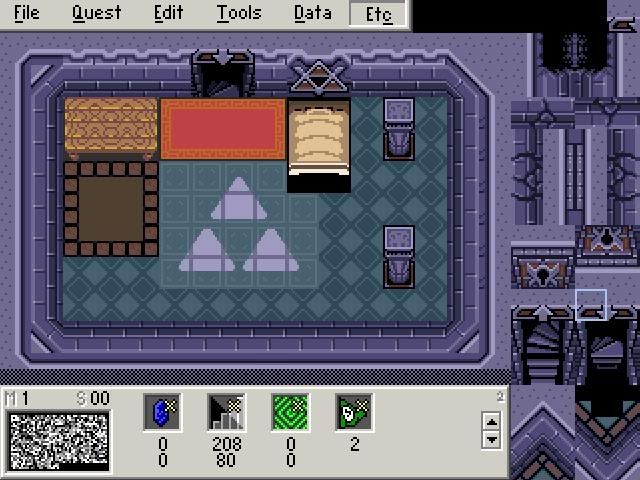
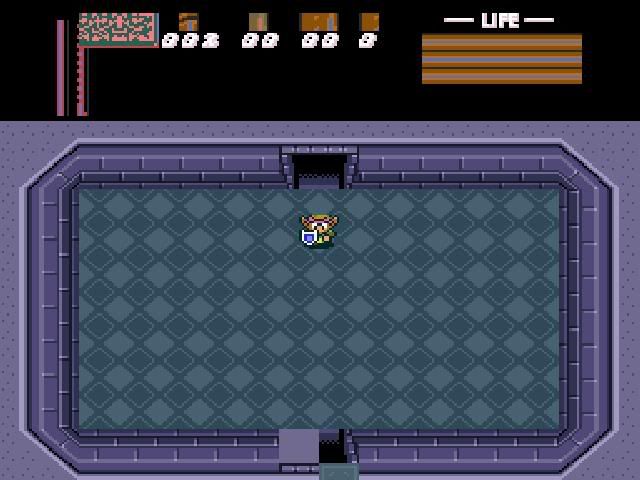
http://img.photobucket.com/albums/v150/DarkShadowRage/Zelda/LinksRoomBeta3.jpg
I want him to start in the middle of the triforce just for a test.
Wow... again
People are going to stop helping you if you don't cut back on these images in your posts and sig that take forever to load.
Nobody wants to set through all that just to answer your questions.
I uploaded Alphadawgs tutorial to help folks with the basics, you can find it here,
http://www.armageddongames.net/showpost.php?p=1039478&postcount=1
To get him set in the triforce, place the green and blue position squares there.
side note,
after all the time it took to put this post together your filelodge image has still not loaded.
sorry bout that. I got rid of the image now.
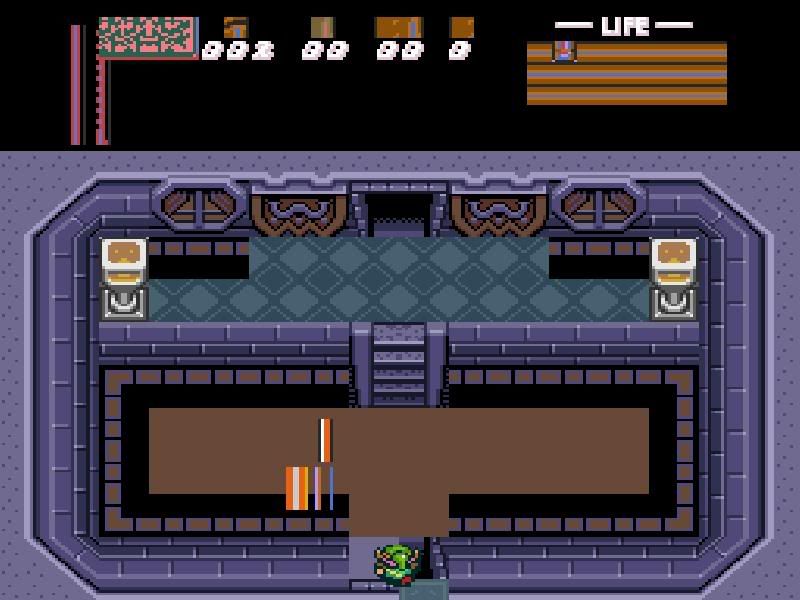
http://img.photobucket.com/albums/v150/DarkShadowRage/Zelda/GraphicsMessed.jpg
why are my graphics messed up? ;_;
You have to set the level palette your screen is using in the dmap that warps you to that screen
Ahhhh ok thank you very very much 😊. one more question is it possible to get those stairs to work like in LttP?
In which Link will actually follow the staircase's bend? Unfortunately not. Heh, you could do it with combo cycling if you really want to, but it's not worth it.
well I got it fixed. and Im having another problem.. my Explorer keeps erroring after I close out Zelda-w it makes my explorer crash? why?
http://img.photobucket.com/albums/v150/DarkShadowRage/Zelda/LinksRoomTest.jpg
Stack dump?
If that's it you probably have some spyware in there you need to clean up, from sites dumping cookies on you.
I use adaware, spybot, and AVG anti-virus, they're all free, and I've never had a stack dump since I started using them.
If it's not that, maybe you have some other program running?
ill take a screen shot of it if it happens again.
oh and is there a way to make Zelda-W go in Windowed mode insted of full screen? I tried using that ZC launcher and it really doesnt make it go windowed at all.. also..is it possible to make LttP Treasure Chests?
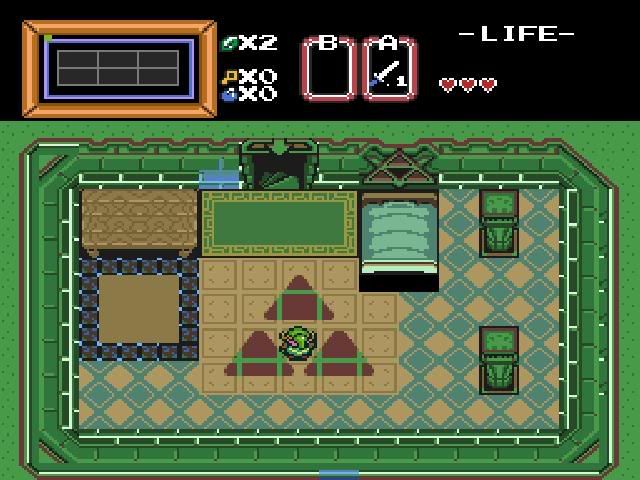
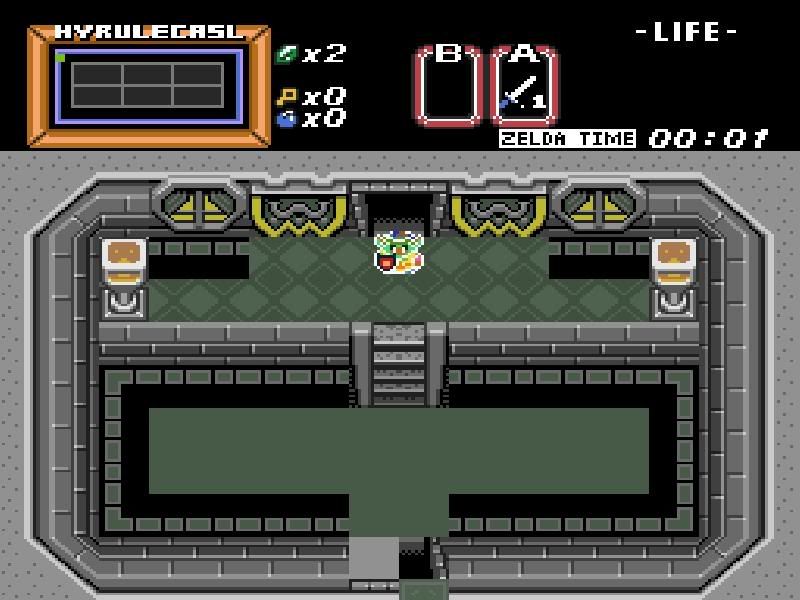
http://img.photobucket.com/albums/v150/DarkShadowRage/Zelda/LinksRoomTest2.jpg
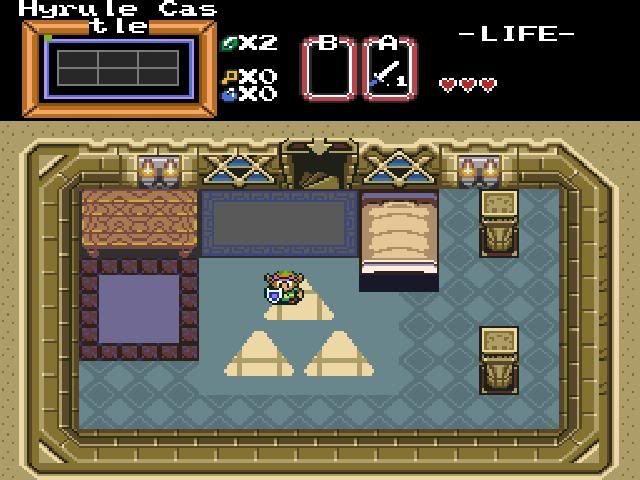
http://img.photobucket.com/albums/v150/DarkShadowRage/Zelda/LinksRoomTest3.jpg <--my Shutter door looks jacked up on the bottom and I cant see my enemys they appear as like jacked up flashing graphics or somthing? and when I go to the next room link wont walk through the door but he goes OVER it.. how do I fix?
and my subscreen wtf is up with it? I want the LttP style but how do I make it work? it looks all jacked up.
http://img.photobucket.com/albums/v150/DarkShadowRage/Zelda/HyruleCastleTest.jpg
Theres what the "Enemys" look like and WTF is with all this black shit on the side?
You've got a bad tileset, how or why there's no way of telling.
It looks like you're trying to use one that was built in a different version and it scrambled the tiles when you imported or opened it.
Fixing it probably means deleting it.
I cant import my tileset in 2.11? WTF
I bet you are using 2.11b10 instead of 2.11b10b.
There was some strange thing going on in the b10 that corrupted quests, that was fixed in the 10b.
Go to the thread you got the 10 in and upgrade to the 10b, it's just grabbing the new zquest-w.exe and zelda-w.exe and overwriting the two you have, the rest of the support files are ok.
Your tileset is probably still corrupted though.
(Shadow) wrote:oh and is there a way to make Zelda-W go in Windowed mode insted of full screen? I tried using that ZC launcher and it really doesnt make it go windowed at all.. also..is it possible to make LttP Treasure Chests?
To make it windowed, right-click the ZC shortcut and select Properties. Go to Shortcut. In the Target box, make it look like this:
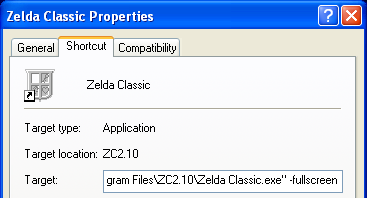
Where you see "-fullscreen" use "-windowed" instead. That'll make it small.
To make treasure chests, place the treasure chest combo (with a combo type of "Slash"😉 on the screen. Place a #10 Armos (->Item) flag on it, make the undercombo as the opened chest combo. As Room Type, make it Special Item (and select whatever item you want). However, the more preferred way in 2.11 is to use the Treasure Chest combo. I'm not completely sure if I'm right about this, so Freedom, feel free to correct me. Place the treasure chest combo (with a combo type of "Treasure Chest"😉. The next combo to the right of it on the list should be the opened chest. Select Room Type as Sp. Item and your item. I believe that's it... But again, I'm not 100% sure.
EDIT: Oh, and the thing with the screwed up tileset... Maybe it's an old or incomplete tileset? Pure is a much better tileset to use (in my opinion).
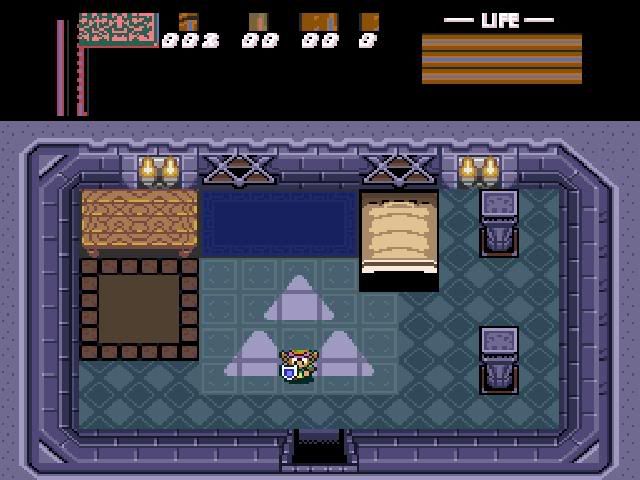
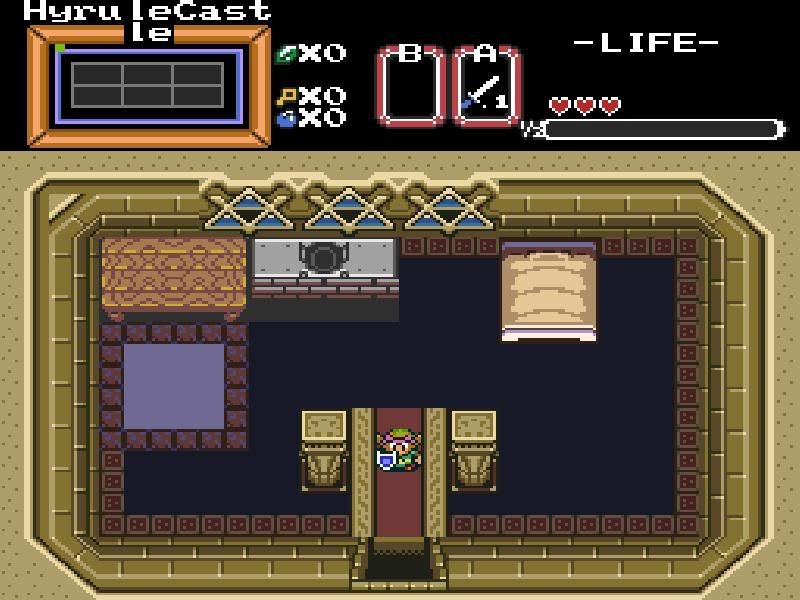
Link to the pure version? im using the orion version I went to back to an older version of the program and now I have this.
http://img.photobucket.com/albums/v150/DarkShadowRage/Zelda/NewLinkRoom.jpg
Anyone have a Link to 10b?
and can I continue to edit it if i use 2.11b10b ?
- Pure (922.2 kB)
- Pure Updated (909.1 kB)
- Pure Updated Extreme (1.17 MB)
Pure is "easiest" to use, PTU is a little "harder" but has more tiles, and PTUX is most "difficult" but has many more tiles. Check them out and see which you like the best.
- Direct download for 2.11 beta 10b (1.42 MB)
Oh, and yes, of course you can still edit.
These are LttP Tiles Correct?
ok I downloaded the PURE one but How do I use it? its just a quest file..
Generally Pure is a LttP tileset. Generally. I believe PTUX has nearly every LttP tile. So if you truly want to use only LttP tiles, go for PTUX. The regular Pure and PTU has mostly LttP with a very few that are not. (Or you could always use the LttP tileset... :tongue: )
heres a hint... link to your images instead of using the image code... this will please many who are helping you.
Really. Using an 800x600 moniter display with dial-up, the images are huge and take several seconds to load.
sorry ill do that from now on ;_;
but how do I use the graphics packs? >_< they are quest files
franpa wrote:heres a hint... link to your images instead of using the image code... this will please many who are helping you.
Pineconn wrote:Really. Using an 800x600 moniter display with dial-up, the images are huge and take several seconds to load.
yes, thank you thank you thank you.
Taking forever to load and turning the thread into a side scroller.
big ugly nasty smelly screenshots. 😉
Just open the quest file and start building. 😉
so back to the question how can I use the tilesets? >_>
could you edit your earlier messages and change the images to url's that point to the image? if this is done then i will hopefully shuttup about it.
Freedom wrote:yes, thank you thank you thank you.
Taking forever to load and turning the thread into a side scroller.
Ah yes, there's another one. No one likes having to scroll the page horizontally to read the messages.
Freedom wrote:big ugly nasty smelly screenshots. 😉
:lol: That's a good way to put it. :lol: (EDIT: God that smiley looks stupid. 🙄 )
(Shadow) wrote:so back to the question how can I use the tilesets? >_>
Huh? Is it a .zgp? Open a quest, go to File -> Import -> Graphics Pack. Load it. Is it a .qst? Just open it!
they arent zgp for me they are .qst >_< but if I just open it.. then how the hell do I use it.. o_o;;
edit:never mind im such an idiot -_-
But How do I get to the dungeon sets all i see is overworld.
thank you very very much.