Just start building!! You should save a backup of the unedited Pure tileset, too. It's like the original LoZ tileset, but much better. Build! Start by making grass... Put it on all tiles... Maybe add some tall grass, or a tree, or a house, or a garbage truck! It really doesn't matter. The choices are yours and yours alone! (Got that from Legends of the Hidden Temple. 🙄 )
How do I set the start position of Link?
(Shadow) wrote:they arent zgp for me they are .qst >_< but if I just open it.. then how the hell do I use it.. o_o;;edit:never mind im such an idiot -_-
But How do I get to the dungeon sets all i see is overworld.
You've passed the first test, in order to use Zelda Classic the first requirement is that you be an idiot, otherwise you'd have never started fooling with it in the first place. 😉
To scroll through the combos on the right, click etc and choose mouse scroll, then you'll see the dungeon combos down there somewhere.
you can also hold shift and press page down to scroll by combo or Ctrl and page down to scroll by the page
Are you calling all of us idiots?
Yeah, you're probably right. 😉 At least I am. I'm dumb enough to have decided to create another quest after the one I'm making now. Oh why oh why did I find this program?
Yes, definitely use Control + Page Up/Page Down. I didn't find this until maybe 3 months ago... Very handy after having used to click on those little arrows repetitively to get from the first to the last of the combos. 🙄
^^yeah that IS very handly.
ok Im using the Pure Tileset what color would you recommend for hyrule castle? seeing as I cant find the correct color..
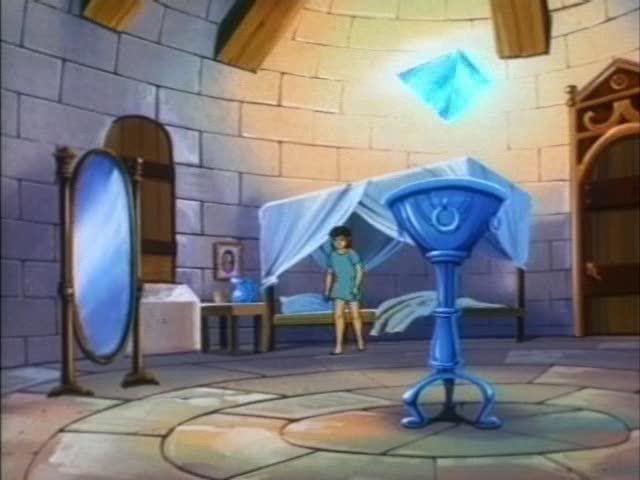
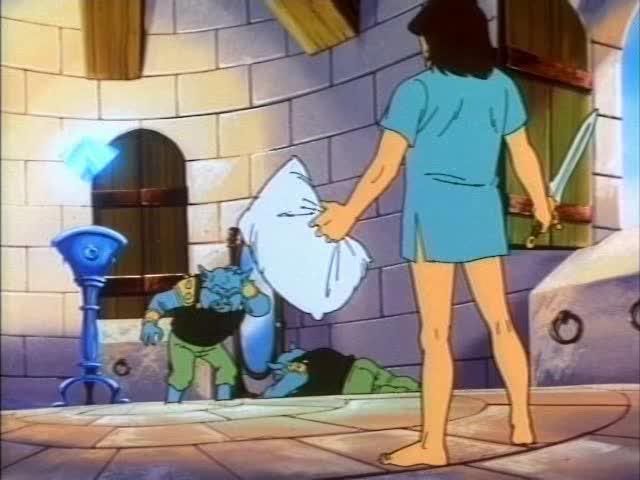
In this game Link Lives in the castle insted of a house like in the cartoon.. but his room is a bit circular is it possible to make a room like this?
http://img.photobucket.com/albums/v150/DarkShadowRage/Zelda/LinksRoomCartoon1.jpg
http://img.photobucket.com/albums/v150/DarkShadowRage/Zelda/LinksRoomCartoon2.jpg
click on quest>graphics>palettes>level palettes, and scroll through the available palettes and you'll probably see the correct one there somewhere.
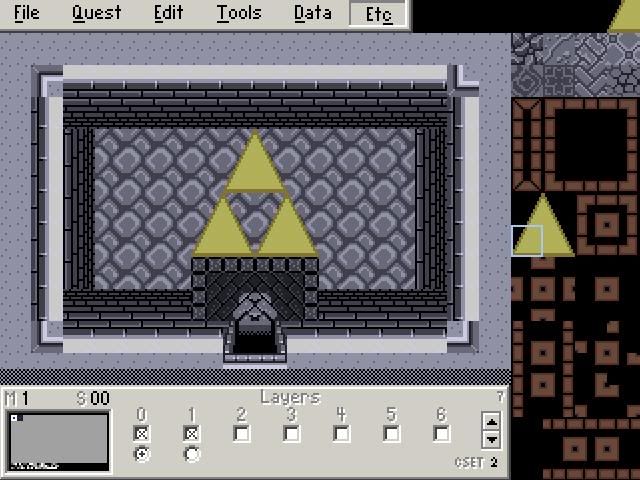
sweet thanks! one more thing, I was going through the tile set and I looked at some of the already premade stuff.. how did he get the triforce to do this? when there is clearly black on the tileset?
http://img.photobucket.com/albums/v150/DarkShadowRage/Zelda/Triforcenotblack.jpg
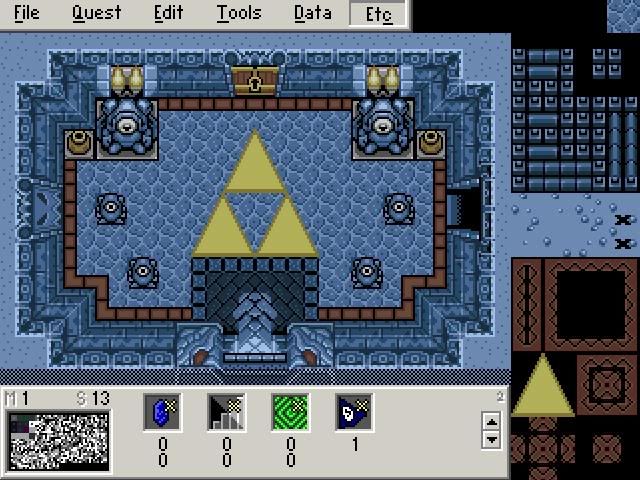
The first color in a csets row is transparent.
You have layer 0 and 6 layers that can go on top of it on a screen.
Any combo placed on a layer above 0 will display only what is "colored" with the solid colors, and the transparent one will be see thru.
Sort of like those overhead projectors in school where you can stack one page on top of the other to make a picture more complete.
But when I looked at them they where like aeras side by side yet they where togeather O_o
Edit:AHHH I FIGURED IT OUT NOW! w00t ^_^
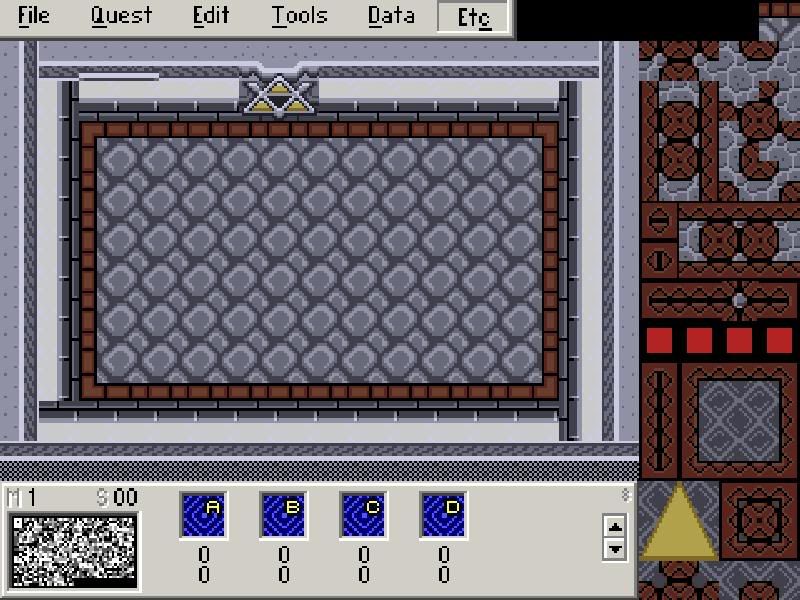
http://img.photobucket.com/albums/v150/DarkShadowRage/Zelda/WallsNeedEdges.jpg I cant find the edges for the walls?
BTW Is it possible to grab pallets from other Tile sets?
Edit:YAY! I did the triforce thing! ^_^
http://img.photobucket.com/albums/v150/DarkShadowRage/Zelda/LinksRoomTriforce.jpg
(Shadow) wrote:BTW Is it possible to grab pallets from other Tile sets?
Probably the easiest way to do that is to open the other tileset, and move to a screen using that palette you want (if it's a level palette you are looking to grab) and then take a screenshot by pressing Z
then exit that tileset and open the one you want to put the palette in.
go to graphics>palettes>level palettes, and scroll down to an unused one.
open it and click on grab and then grab the 3rd, fourth, and fifth one down in the bmp that you grabbed, the top one starts with cset 0, and the second in 1, so you want csets 2, 3, and 4, which are the 3rd, 4th and 5th in line
confused enough now? 😉
lmao ill give it a shot ill post my results :P.
Here is what I was trying to grab from..
http://img.photobucket.com/albums/v150/DarkShadowRage/Zelda/LinksRoomTest-1.jpg
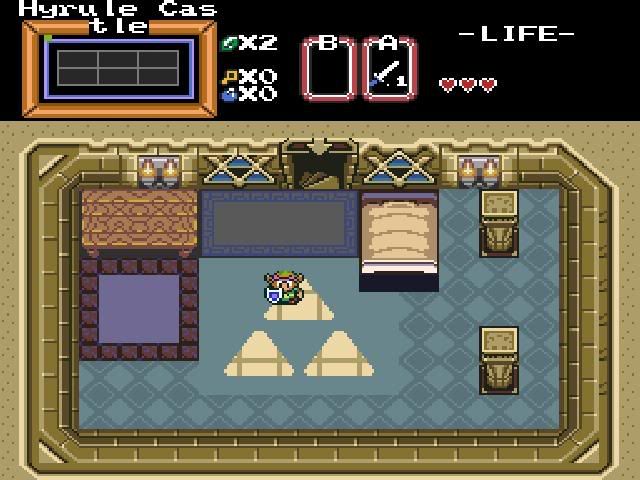
This is what I came up with -_-
http://img.photobucket.com/albums/v150/DarkShadowRage/Zelda/Notquitehyrulecastle.jpg
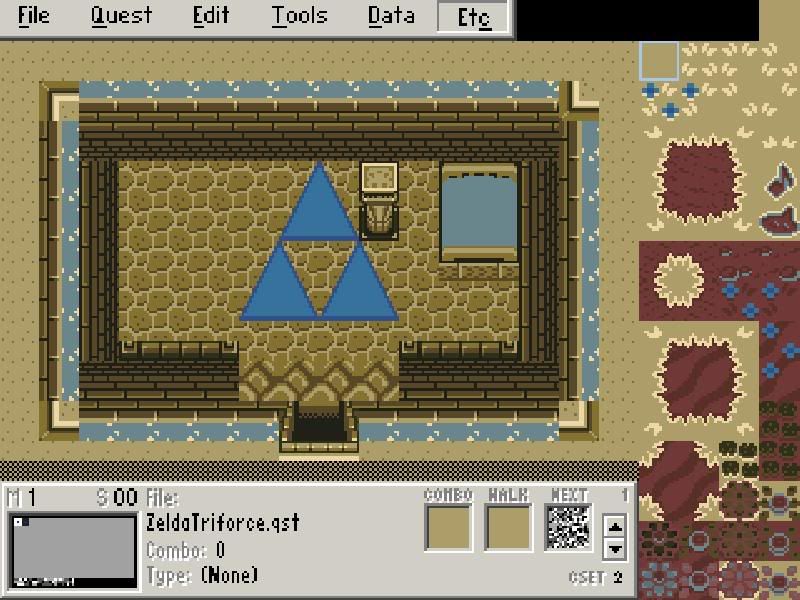
This is what it was before
http://img.photobucket.com/albums/v150/DarkShadowRage/Zelda/LinksRoomTriforce.jpg
Any reason why my triforce is not yellow? -_-
The triforce probably was painted on the screen using a cset other than 2, 3, or 4
Here's a page I put together a while back to help people understand a little about palettes, it's pretty basic and could be more in depth, but it should get you started.
http://members.toast.net/mfreedom/ZC/palette/palettes.htm
.
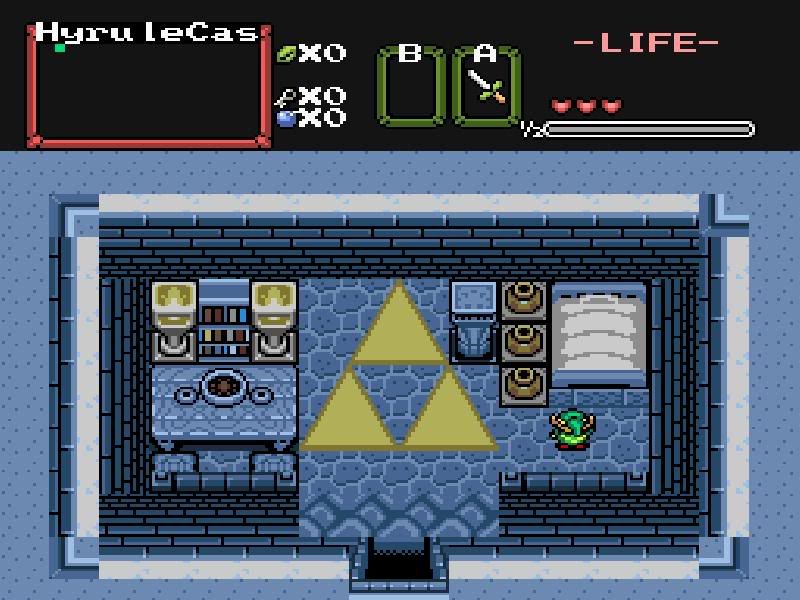
http://img.photobucket.com/albums/v150/DarkShadowRage/Zelda/Jars2.jpg
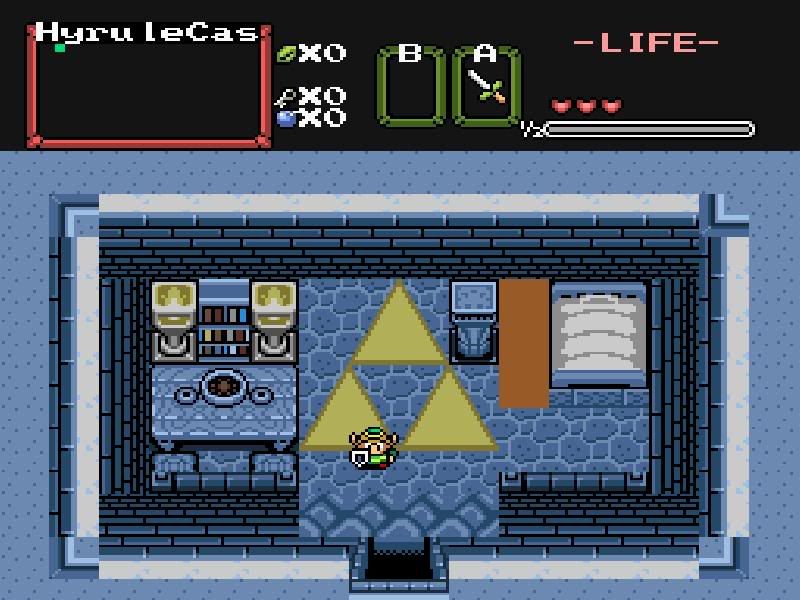
Eh whats up with the jars? Thats what I get when I wack em? O_o
I can't tell anything from your pic, all the tiles are used incorrectly so trying to guess which ones are left over from the pots would take a physic 😉
When you use a slashable combo you have to also set the undercombo, in Data>undercombo so that's probably your trouble.
yea, set the undercombo
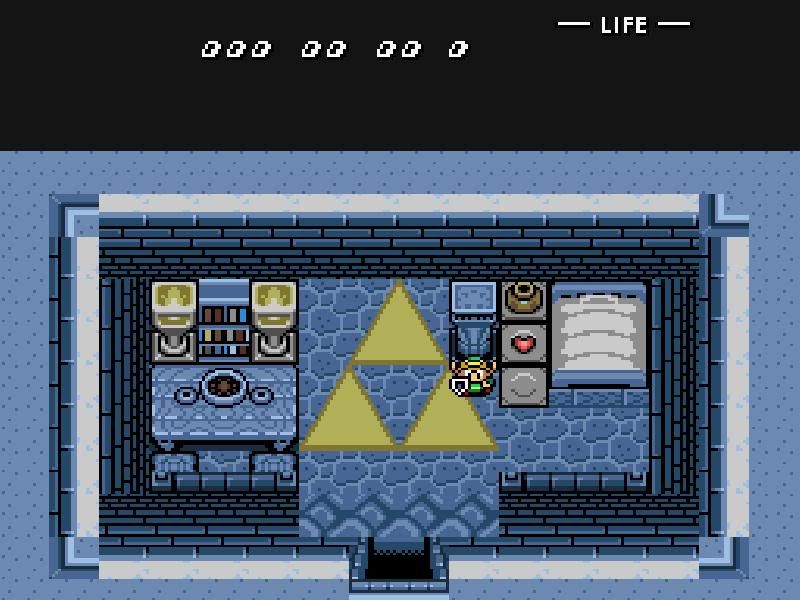
I Fixed It W00t
Thank you for your help ^_^
http://img.photobucket.com/albums/v150/DarkShadowRage/Zelda/LinksRoomFIXED.jpg
here's the addy to my site
http://members.toast.net/mfreedom/ZC/zcquests.htm
There are links to tutorials, and several pages of info I've complied in the past.
I'm sure it will save you a lot of time and help you understand the program a lot faster. 😉
Is there a tutorial there to make link..like pick up items? and throw them?
The program doesn't have that feature yet.
blast oh well.
OH and is there a way to make text boxes like LttP? My game starts off Kinda Like LttP Hyrule Castle is under attack.. but is there anyway I can make it do like zelda saying HELP ME or whatever?
You can do them like this;
My warps are NOT working at all.. I really cant explain why..
I did side warps..
BTW Im using ZC2.11b10b
http://www.filelodge.com/files/hdd6/147642/ZeldaTriforce%20Quest.zip
can you take a look at it and tell me what im doing wrong?
It will take a while, I got it download
well when I got to the door... it brings up a brown screen..then I go up then it puts me in the other room? and I cant go back up.. and whats up with this?
http://img.photobucket.com/albums/v150/DarkShadowRage/Zelda/ShuttersandLocked.jpg
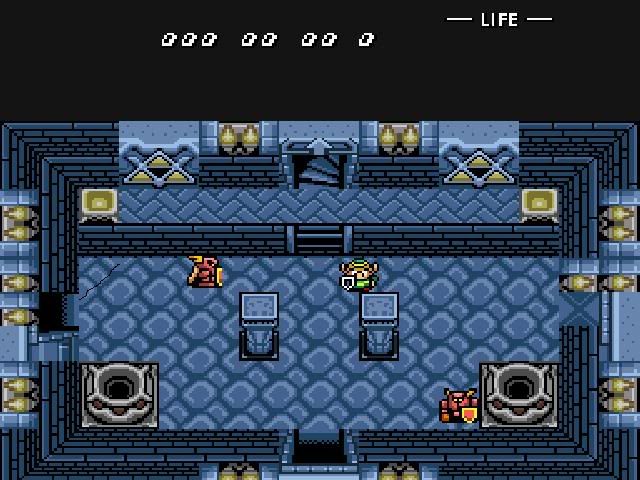
The door on the left is supposed to be a locked door. the door on the right is a shutter and the door on the bottom is a shutter. Why are the graphics being this way?
edit:I kinda fixed the graphics in the room but the doors..they arent shutters! they should be... what the hell? :_;
http://img.photobucket.com/albums/v150/DarkShadowRage/Zelda/RoomDoorsOpened.jpg
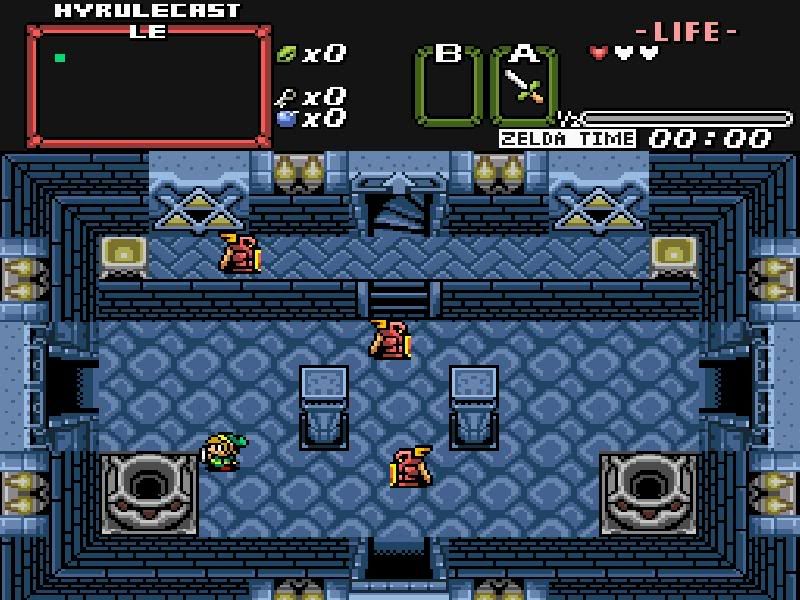
Nevermind.. I looked at another quest apparently I don't NEED warp tiles.. -_-
edit:Ugh its still jacking up.. it will go to an odd screen.. maybe I should screenshot it..
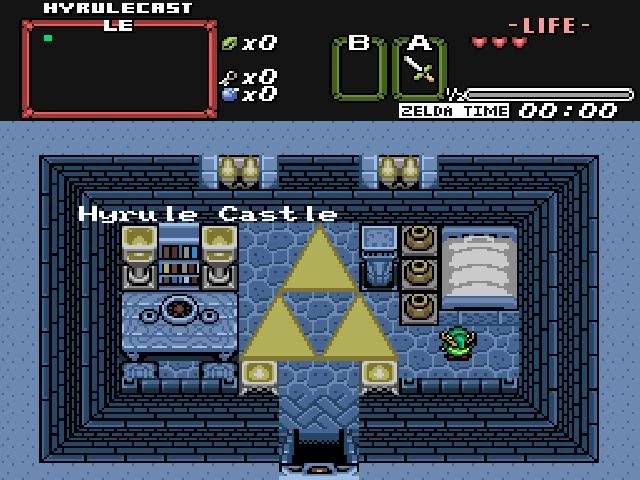
Starts Out Like this..
I go in the door..
http://img.photobucket.com/albums/v150/DarkShadowRage/Zelda/MainRoom.jpg
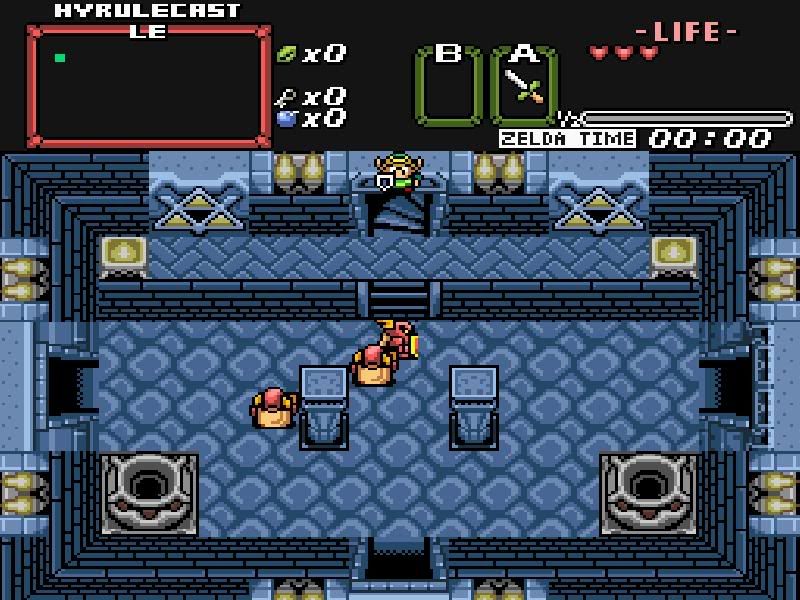
Entering Room 2
http://img.photobucket.com/albums/v150/DarkShadowRage/Zelda/Room2Enter.jpg
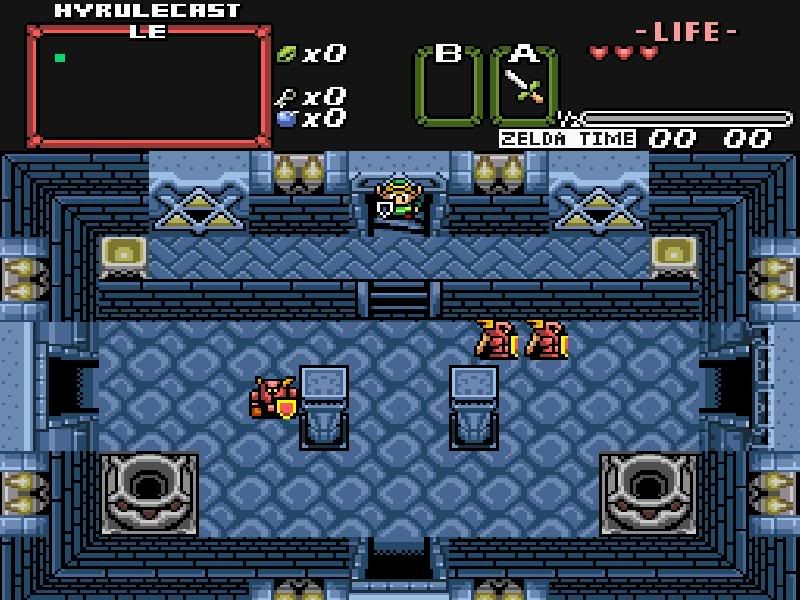
Then I keep going down.
http://img.photobucket.com/albums/v150/DarkShadowRage/Zelda/Room2GoingDown.jpg
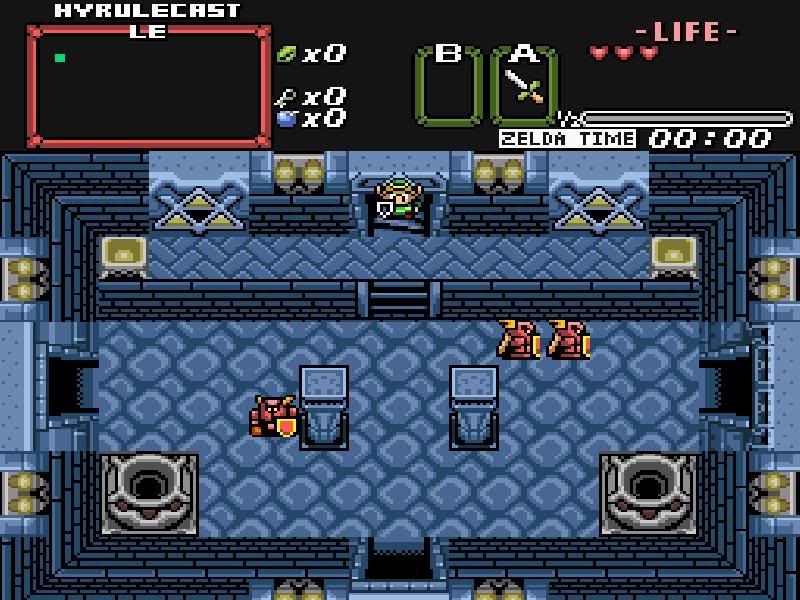
I walk over the door
http://img.photobucket.com/albums/v150/DarkShadowRage/Zelda/Room2InDoor.jpg
And This Happens
http://img.photobucket.com/albums/v150/DarkShadowRage/Zelda/Room2Warped.jpg
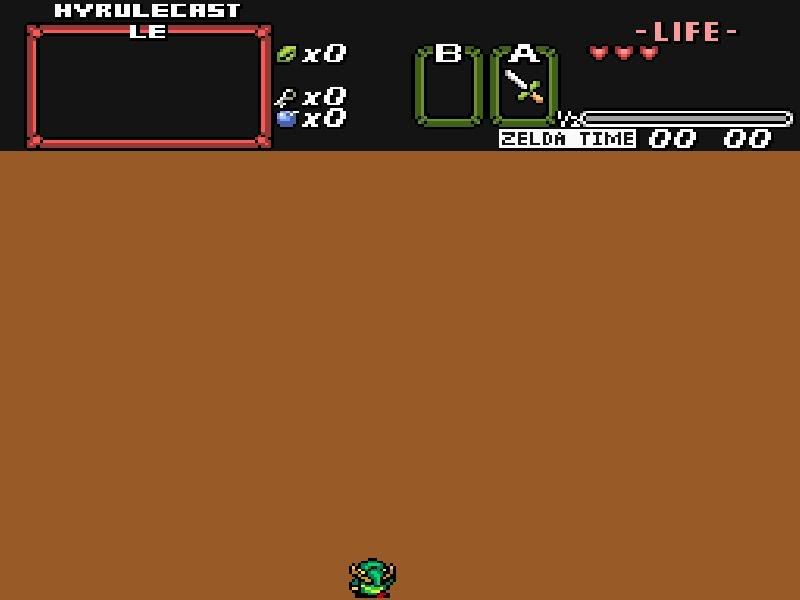
I go down and I end up here.
http://img.photobucket.com/albums/v150/DarkShadowRage/Zelda/Room2arrival.jpg
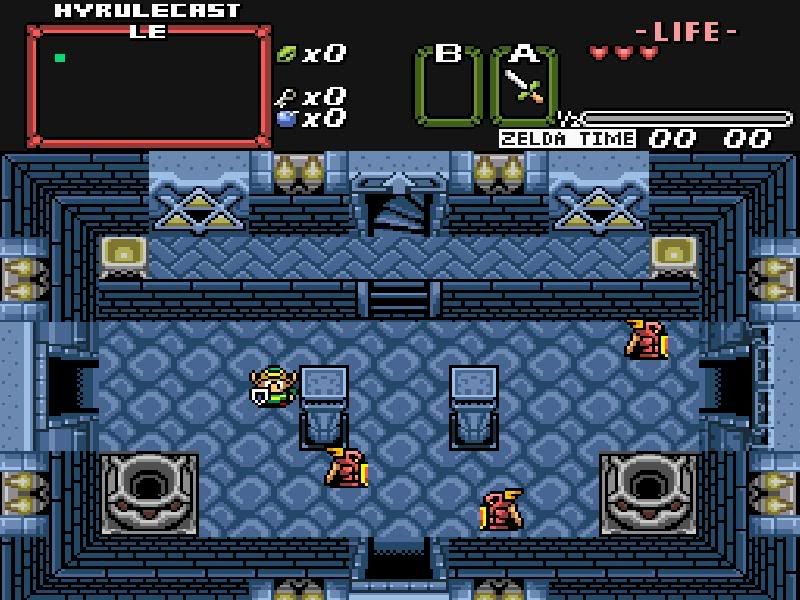
I don't need all the screenshots, I understand what you're talking about.
That tileset isn't very well built, the combos are just thrown in there willy nilly making building a screen a real pain in the......
but anyway
ok.....
I fixed your warps as you used them, personally I seldom use them like that but....
I made your cave/item room screen, and passageway screens 80 and 81
I made you a few template screens for some of the rooms for your reference.
and I changed the name of this file to ZeldaTweaked.qst so it won't overwrite yours
you'll need to unzip it
http://members.toast.net/mfreedom/ZeldaTweaked.zip