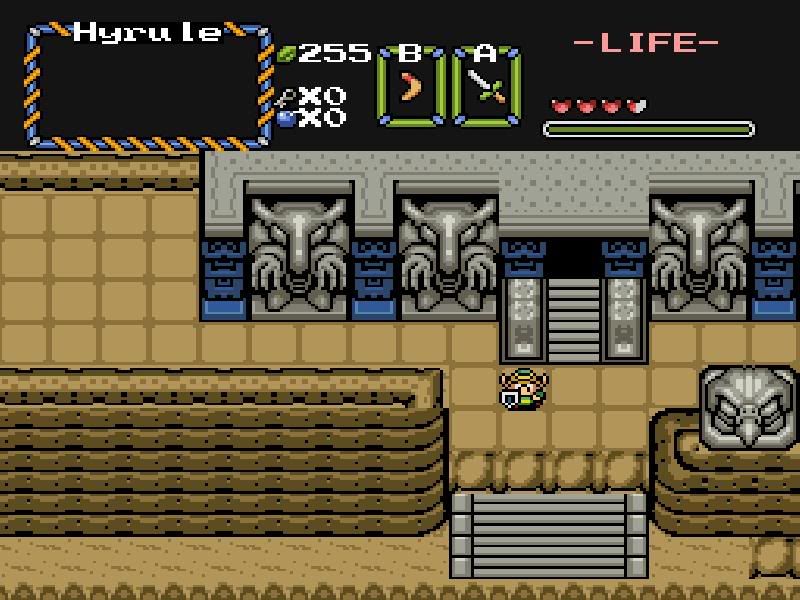
no no signs arent save points it's just pointing out the tile next to it are save points.
edit:here is a latest screenie.
http://img.photobucket.com/albums/v150/DarkShadowRage/Zelda/Linkbridge.jpg
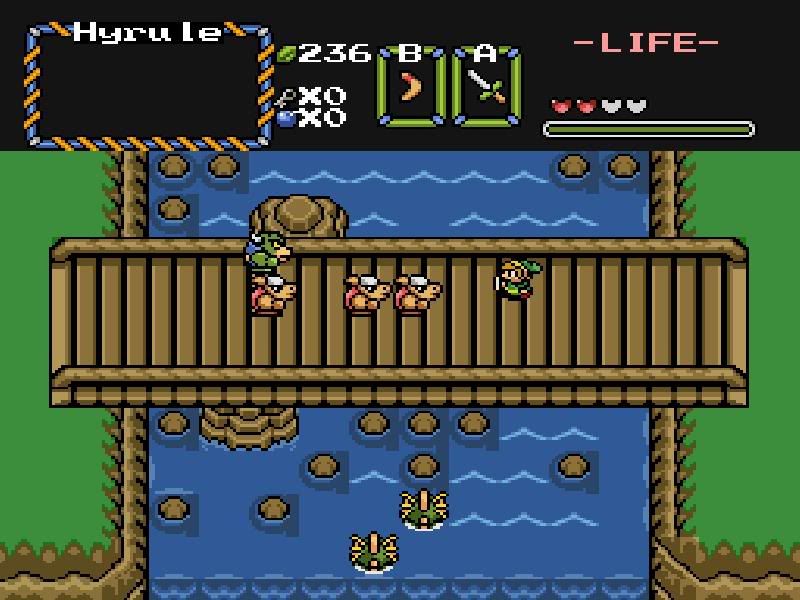
Link Fighting off moblins on the bridge
no no signs arent save points it's just pointing out the tile next to it are save points.
edit:here is a latest screenie.
http://img.photobucket.com/albums/v150/DarkShadowRage/Zelda/Linkbridge.jpg
Link Fighting off moblins on the bridge
those round rocks are used wrong, those with the shadows like that go on the right edge of the water, there should be some that have even round shadows for in the middle, and there should be one for the left side too
Saw but two things playing through.
1) In the last room of Hyrule Castle, I missed changing the short wall (the lines don't line up). Just make it so that it's the same as any other similar wall structure in the castle.
2) In the 2nd screen of the overworld, you can walk on top of some of the large tree. Make the parts that you shouldn't walk on solid.
pine did you get the newest newst version? with the longer overworld?(I don't know what to put on it to make it look good..not enough Lttp Tiles?)
Freedom wrote:You can't save and warp with the same tile, if signs are going to be save spots, then you'll have to do without the words.You can look in swansong to see the principle at work, just find someone you can walk up to and talk to, it's done the same way.
I haven't been downloading your quests since the one I corrected for you, I tried to grab that one that pineconn uploaded but the link didn't work.
I'll help you with moral support and advice where I can, but I can't be building your quest, I'm working on two of my own, and helping some other folks too, that's why I gave you the password to swansong, it shows most of what you need to know and only lacks the new features that just came out with the 2.11b10b.If you look in swansong it will show you how to not only walk over that bridge but allow you to swim under it too.
You GAVE me the password? where? 😮 i cant see any PM messages..
edit:Sorry for the double post..hmm I wonder if this topic has helped other people besides me >_>
edit:OOOOH No wonder..I didnt know you had to TURN on PMs.. -_-
Lol, I'll download it. More feedback sometime tomorrow. *downloads, logs off* Just fix those 2 things. 😉
pine thanks for testing for me. you should come to my forums(in my sig) and come to the chat room im really active there and maybe if you talk to me while in the chat room stuff could be explaind alot easier and ill understand better(I useully understand better when where chattin live)
I gave you the password in a post several posts back, it's gleeok3
I thought maybe you didn't have enough posts yet for PM's to work, some things here go by the number of posts a person has.
serious? 😮 thats really messed. anyways I was playing your swansong quest and I really like it. very nice lay out! and it plays really great 😃.
when you want to see how to make something work you can just open it in the editor and look at it screen by screen, it uses all the weapons/items secret combos, tricks etc. like over under bridges, jumping etc.
jesus man.. thats alot of screens.. O.O
and a lot of maps, and that's only a one map overworld, usually everyone uses two maps for an overworld.
Anyway, that's how I started learning was to look through Prince's revenge 2 quest, that helped me more than all the tutorials in the world.
well just by playing your swan quest.. I just have to rate it 10/10 that quest is amazingly laid out.
Thanks, it's getting pretty old now though, seems like ages ago I did it, and I've forgotten a lot about it
mooooorning all I hope everyone had a happy 4th ^_^
edit:Pine Don't Edit that version because im going to upload a more consistant version(i had already started building)
edit:http://www.megaupload.com/?d=6FSR1PUH LATEST TEST! I fixed some inconsistances(I think) and added a bit more up to the entrance of the first dungeon
edit:Why Does it play the message text noise after I pickup a rupee or whatever!?
(Shadow) wrote:mooooorning all I hope everyone had a happy 4th ^_^
edit:Why Does it play the message text noise after I pickup a rupee or whatever!?
Did you change that sound when you changed the sfx.dat?
yeah I did. I made the msg sound that of LttP
edit:http://www.purezc.com/index.php?page=tiles&id=504 I wanna put this in my tileset but it looks really hard. 😞 I don't know how to put these in. last time I tried to do these it looked like crap. and I don't know how to make them animate
Edit:ANOTHER New test.. this one fixes some glitches I guess.. if your going to edit it pineconn let it be this one because I need to know when I can continue to build..
http://www.megaupload.com/?d=T10T73PZ
Edit:Pine I just went back just now and fixed the hyrule castle line error. and the tree errors are fixed So I guess ya don't need to edit it ^_^
Blah my tiles are NOT the same colors WTF?
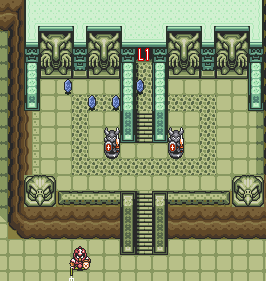
http://img.photobucket.com/albums/v150/DarkShadowRage/Zelda/LttPLVL1.png
^^LTTP
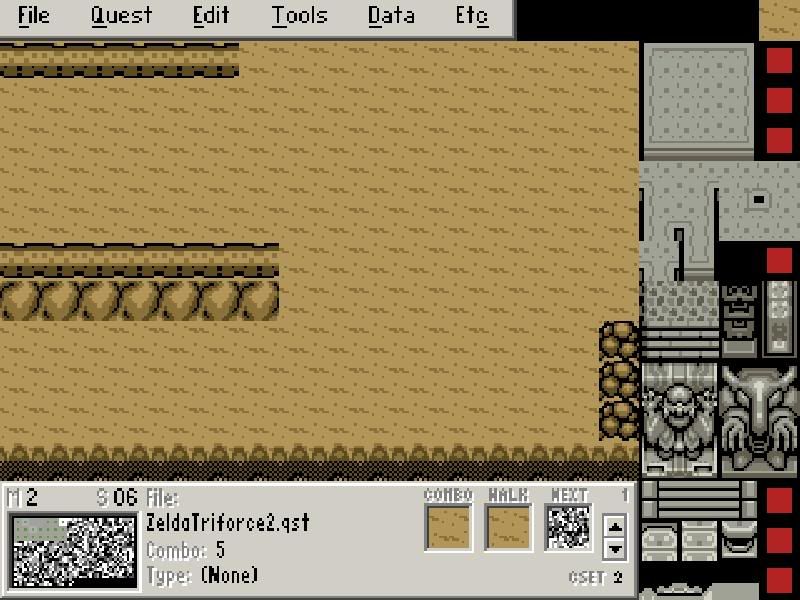
http://img.photobucket.com/albums/v150/DarkShadowRage/Zelda/Mytiles.jpg
Mine..How can I get them to be the same?
edit:Bah sorry for the double post -_-
Probably Just have to look through your palettes to find the right one
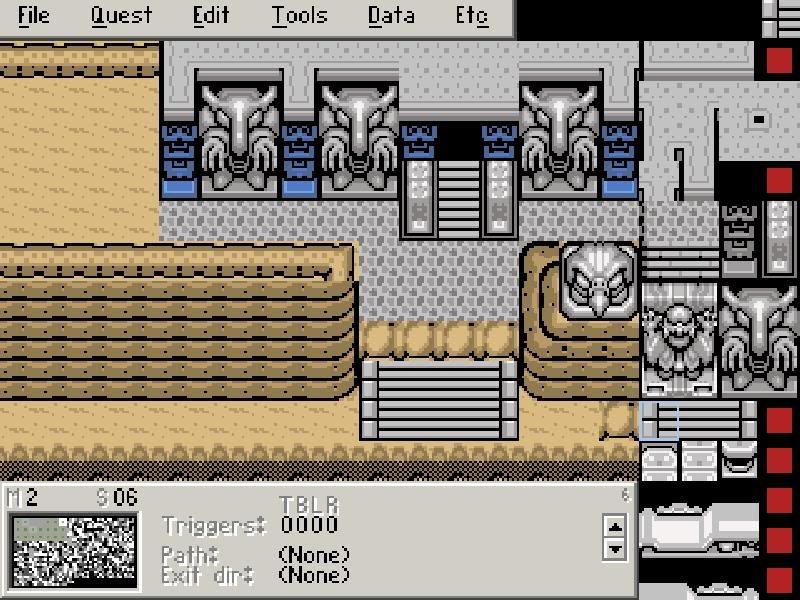
eh? here is MY level 1 entrance.. looks like your walking in to a black and white movie.and this scene isnt on another DMap its on the Overworldmap..
http://img.photobucket.com/albums/v150/DarkShadowRage/Zelda/Level1.jpg
You have level palettes for the overworld just like you do for dungeons or any other screens.
What level palette you set in your dmap displays when you warp to that dmap, until you warp to another dmap with a different palette.
Would it be possible to just change the color of it? how come if I do it on a diffrent DM Map layer it doesnt show up as that color on the other one?
edit:http://img.photobucket.com/albums/v150/DarkShadowRage/Zelda/zelda037.jpg
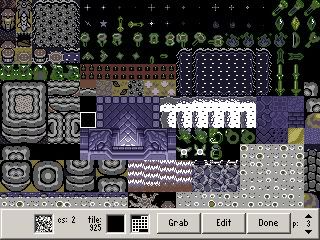
Could someone put that entrance tile in my game? I tried to but the colors all jacked up. here is the latest version. I'd appreceate it!! just make it a bmp.
I need it in the tileset that is. I put it in and the colors are all warped and solarized
When you are on a screen you warped there from a dmap, right from the start of the game.
Dmaps are what set the properties of the screen, you can use as many dmaps as you want on a map.
When you are on a screen, the colors you see were determined by the dmap that warped you to that screen, and the level palette that shows is the one you have chosen in the dmap,
csets 2,3,4 and 9 make up a level palette, and they are replaced in the main palette, when you warp from one dmap to another.
On the overworld, if you are in the swamp, and want the next screen to be a desert with different colors, then you set a sidewarp to that screen/area and that's how you change the color, music, etc, by changing from one dmap to another through a warp.
so to get that eastern palace area to look right, then you need to build a dmap for it using the correct level palette for that area, and then set a sidewarp to change those properties.
http://img.photobucket.com/albums/v150/DarkShadowRage/Zelda/LinkLevel1.jpg
Here is what it looks like right there..
if possible do you think you could put that palace entrance tile in my set? because it looks all bleh the colors don't look right for me. I got the shot from the subscreen qst
edit:eather you or pineconn can. because I simply canno't get the Dungeon Entrance Tile to look right at all.
I don't think you're listening to what I'm trying to tell you about how level palettes work.....
Another thing, If you're going to grab tiles and don't want to recolor them, then you need to grab them from other pure sets, that have matching palettes, the subscreen.qst uses newfirst and that's not even close to the palettes you are using.
Recoloring tiles is very time consuming.
ah. I understand what your saying about level pallets yeah I can do that easily. but do you know of any pure sets that HAVE that entrance?
edit:I think PureTiles Release 2 has it.. if i rip it from there should it import just fine?
edit:AHA I got it now yay. Thanks anyways :P. no need to recolor heh. and thanks for your continuous moral help it helps alot freedom ^_^
I really don't like pure sets, I did a half of a Robinhood quest last year as a demo for the expo, a different one than I gave to you.
So I don't know what pure sets have what tiles.
That was why I suggested you get Orion's LTTP set, since you wanted to do a LTTP style quest, because it's my understanding that it has ALL of the lttp tiles. 😉
Well I started using that set at first but all the enemies where jacked up and I showed you guys what happend before then I was recommended the PURE tile set.
That was pineconn that recomended the pure, I came back and told you about Orion's lttptileset2.4.
I knew that pure wouldn't have all the lttp tiles and told you so, and you said it would be ok. 😉
What can I say? :shrug: Pure meets up to my needs. 😉
If you haven't already fixed it, much of your overworld doesn't line up with the adjacent screen. That's actually very bad. As a suggestion, you should go to Etc -> Options. Check "Show Misaligns." A flashing arrow will appear wherever two combos' solid areas don't line up.
Also, I know it's just your first quest, but there is quite a bit of detail that is lacking. I know that playability becomes before aesthetics, but much of the grassy area is plain. Adding grassy texture would greatly improve the overall appearance. Again, just my opinion.