The forum has been migrated to a new server. This was not a full migration, but rather a clean install.
The forum had been on the same server for over 10 years with all sorts of random items uploaded all over the place.
I have tested most functionality and all seems well, but please let me know if something seems missing or inoperable.
Server Migration
Thanks WL.
One issue I noticed is the SSL cert wasn't transferred.
That was a misconfiguration on my part. It was working for the domain itself but not www.
I have updated it and all appears well.
Thanks for the heads up.
I received an SSL warning a bit ago accessing WP-Admin. I had Chrome ignore it, but you have a domain/cert mismatch of some sort; or a port 443 issue.
[MENTION=38500]War Lord[/MENTION]
Image tags are broken. AGN is reporting that all of the images in this post are 'too large', but they are standard ZC/ZQ screenshots (PNG format):
These are the images in the post:

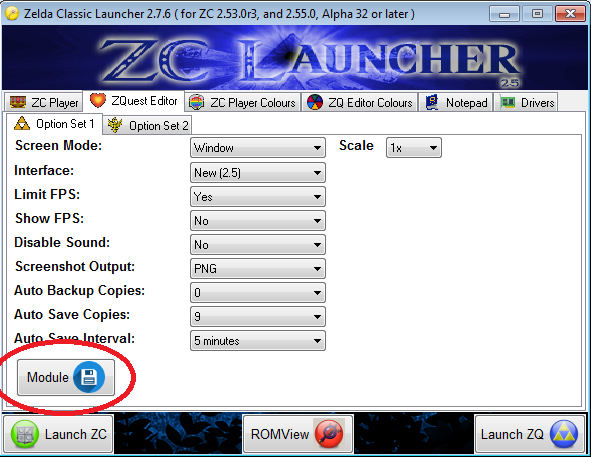
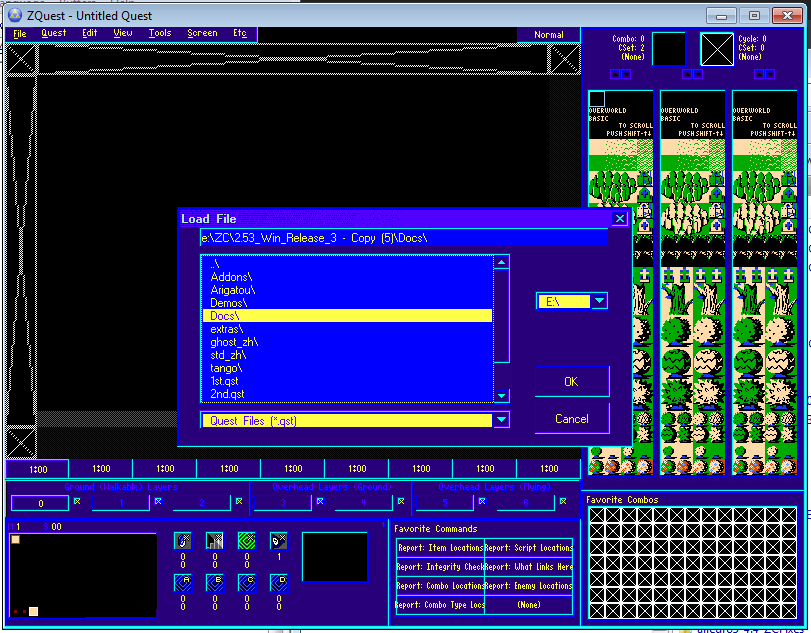
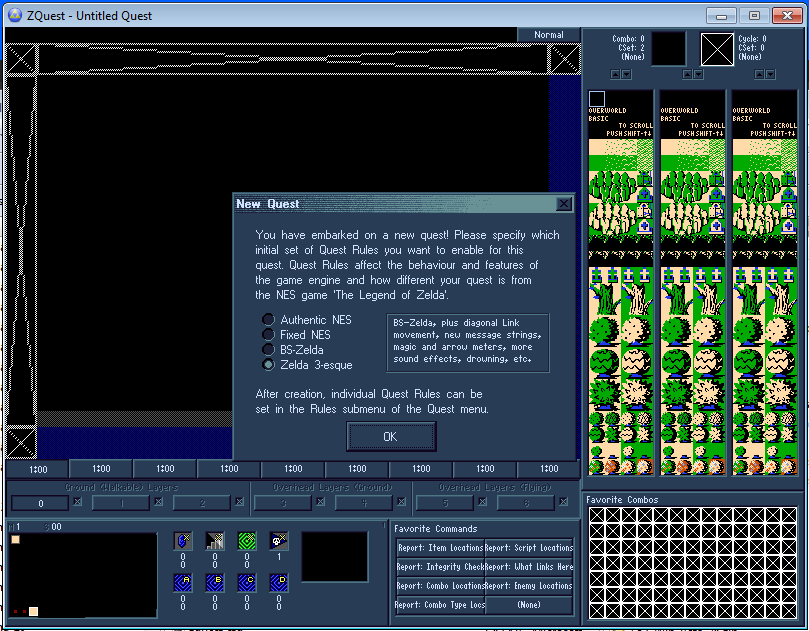
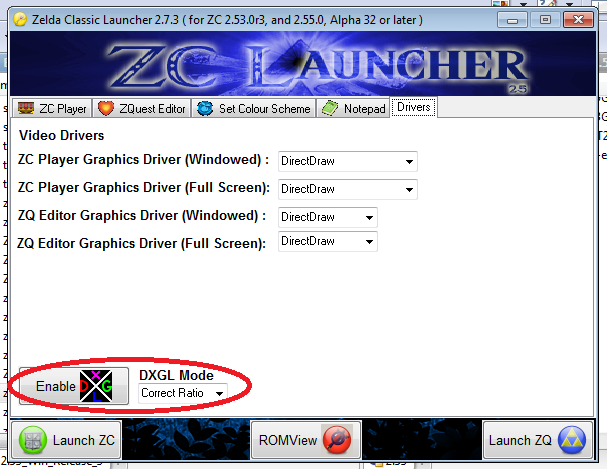
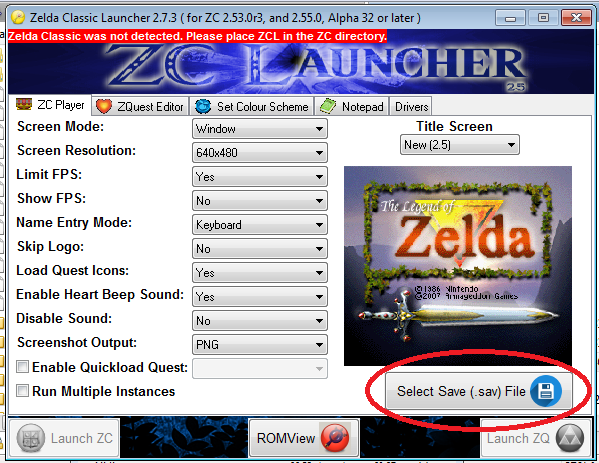

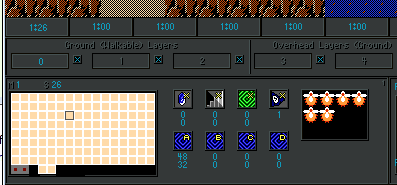

Oh my.CODE tags are ALSO broken!!!
Here is a pastebin paste of what I put in the code tags.
Another bug: The site icon, shown in browser tabs is wrong. It's showing a dog, not the AGN A logo.
This is sort of what i meant about server migration breaking everything. 😞
https://i.imgur.com/TOR21bN.png
Yup, that's not the standard favicon.
And I unironcally didn't use your new image host either War Lord, my bad.
[edit]https://i.imgur.com/3enQjya.png
When checking your profile, I'm fairly certain I'm only apart of that one group. I thought it used to have an image, similar to how 'friends' shows up with so and such's avatar. I could be wrong, but either way it looks...not right?
Profile ettings: Uploading an avatar file is broken (Unable to save avatar)
ZoriaRPG wrote: @War Lord
Image tags are broken. AGN is reporting that all of the images in this post are 'too large', but they are standard ZC/ZQ screenshots (PNG format):These are the images in the post:
Oh my.CODE tags are ALSO broken!!!
Here is a pastebin paste of what I put in the code tags.
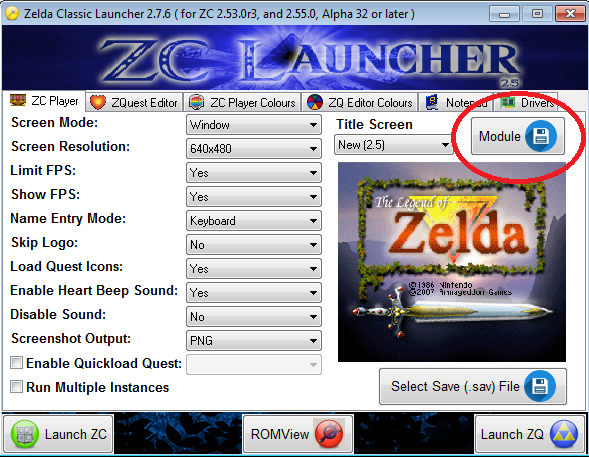


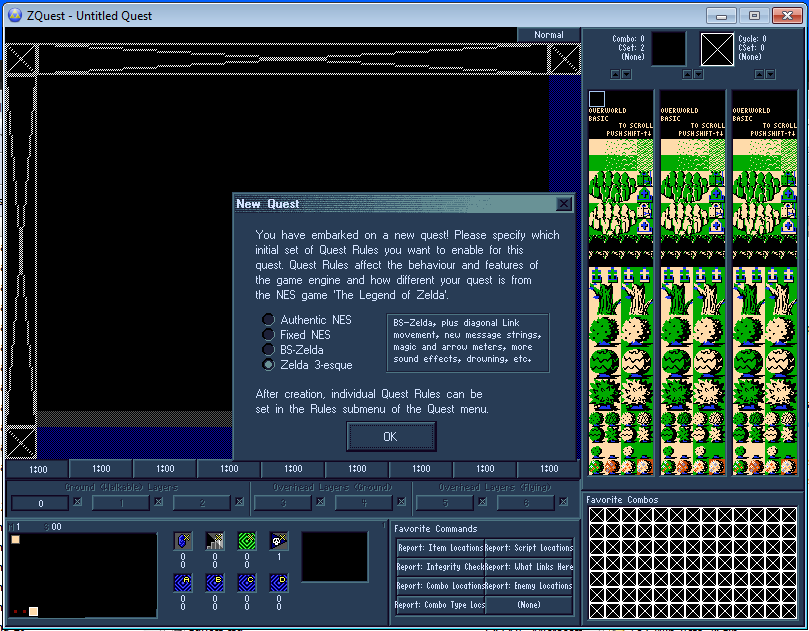
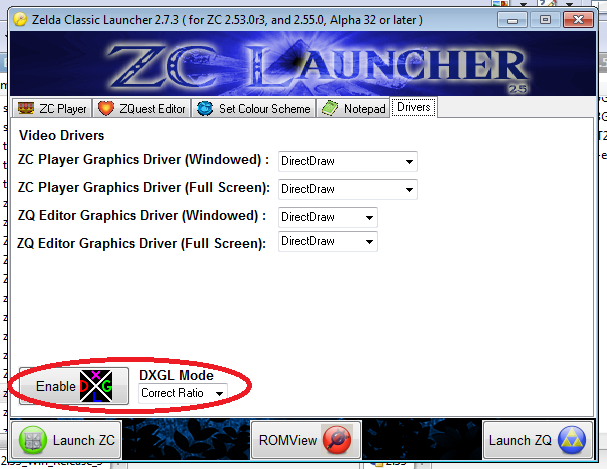


The images weren't a size issue, I'm not sure how you saw that. There was an image caching script in use at the old host to bring images over here, I guess to prevent broken images down the road. I have re-added it, and will restore the images that resided in it.
Code tags appear to be working for me, can you elaborate a little bit as to what isn't working for you regarding them?
Timelord wrote:Another bug: The site icon, shown in browser tabs is wrong. It's showing a dog, not the AGN A logo.This is sort of what i meant about server migration breaking everything. 😞
The icon isn't broke, it got changed during the move from the default vbulletin icon.
MasterSwordUltima wrote:https://i.imgur.com/TOR21bN.pngYup, that's not the standard favicon.
And I unironcally didn't use your new image host either War Lord, my bad.
[edit]https://i.imgur.com/3enQjya.png
When checking your profile, I'm fairly certain I'm only apart of that one group. I thought it used to have an image, similar to how 'friends' shows up with so and such's avatar. I could be wrong, but either way it looks...not right?
Thanks for using Imgur. :P
Those group icons use a custom group icon system in VB, and we have none in that directory, so the alt text is the description it looks like.
These had to have been like this for quite some time as there are no files or thumbnails in that directory at all. I can check a couple old backups when I get home, but that would have been broken before the move as well.
Timelord wrote:Profile ettings: Uploading an avatar file is broken (Unable to save avatar)
This is tested and resolved.
502 Bad Gateway
nginx/1.14.0 (Ubuntu)
I've been getting this message occasionally.
Any particular place you're getting it? Able to reproduce?
Image tags should not produce images inside code tags?! Pretty sure they never did before. How else can you post bbcode without it transforming, if code tags aren't safe.
Also, we need to resolve the max filesize issue on zc.com ASAP. URL redirects to large ZIPs are losing data and corrupting the users' download -- pulling the file from the Lydia server, through zc.com/downloads.
I can't publish current builds now, at all!
Compare:
https://www.zeldaclassic.com/download/1651/
pulls from:
http://timelord.insomnia247.nl/zc-dev/2.55/2.55_Win_Alpha_36--12OCT2019--07-37GMT.zip
Several users have been reporting issues with the ZIPs, and it seems to be the pipe from zc.com to the external server, but the correct fix is to get these files on zc.com.
War Lord wrote:Any particular place you're getting it? Able to reproduce?
I get the message when I go to https://www.armageddongames.net/ I am only able to access the forums by going to https://www.armageddongames.com/ and going to the forums through there. Once I get access to the forums the problem goes away until the next time I use my PC. It happens the first time I try to access the forums each day.
Morbid Dark style has a 404 on the top logo - https://www.armageddongames.net/images/misc/agnlogo.png

I'm also getting that 502 error. It happens consistently at https://www.armageddongames.net/, but https://www.armageddongames.net/forum.php is okay. It only happens if I'm logged in; if I delete the cookies or have them disabled, it works fine.
I tried another browser that hasn't been to AGN before. After logging in, I saw
"Invalid Redirect URL (https://armageddongames.net/)"
and then the same behavior as above.
It shows that I'm active on the forum after the error, so it's at least hitting wherever that's tracked.
Oddly, if I try to look at my profile, I get the same error with cookies disabled, but not when logged in. Other users' profiles work either way.
I'm looking into the 502 issue, but it has to be a local machine or browser ordeal.
I can't replicate on multiple machines here at home, and I checked a few I use at work as well. Chrome, Firefox, or Safari.
I don't see anything in the logs.
I did make a config adjustment to the forum config that could potentially alleviate it.
I'll let you know what I find concerning it, and please feel free to keep me posted.
ZeldaClassic.com has been migrated to the new server now as well. I will continue to monitor it and tweak a few more things through the evening.
[edit]
I suspect the 502 issue could be a php issue. This version of Vb does not support php 7.2, so I have installed 7.1 and switched the forum to use it.
I'm no longer seeing the error. I did get the "Invalid Redirect URL" a couple of times while checking it out, but then it stopped, so maybe it was just something cached.
[MENTION=38582]Saffith[/MENTION] that's good to hear. Please let me know if it comes back.
The 502 error is gone for me also, didn't see it at all yesterday or today. 😊
Awesome to hear [MENTION=38505]VEL[/MENTION]. It seems to was in fact a PHP and VB version issue.
Do you have full control over the VPS you are on now? If so, can I suggest a slight modification to your nging configuration?
Change the line that says [FONT=courier new]listen 443 ssl;[/FONT] to [FONT=courier new]listen 443 ssl http2;[/FONT] in order to enable HTTP/2 on the server.
What's with the Cloudflare now? Doesn't seem like AGN forums would run into attacks so often considering the dwindling traffic?
You seem awfully interested in the server eh?
Cloud Flare provides a lot more than DDOS protection, including cheap renewals. I tested it out on a couple of my other domains, and as my others come up for renewal, they'll go over too,
BFeely is pretty sharp so I would not worry about heeding his information if it is logical.