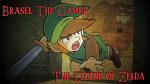
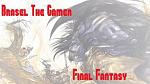
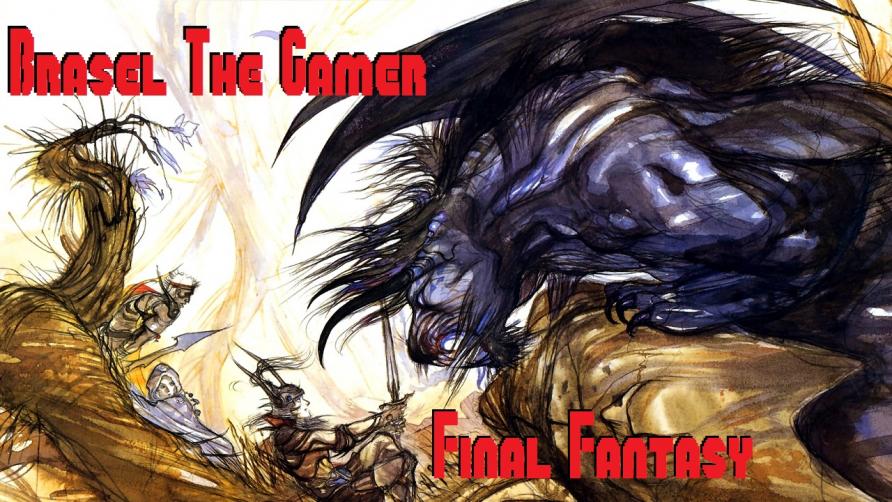
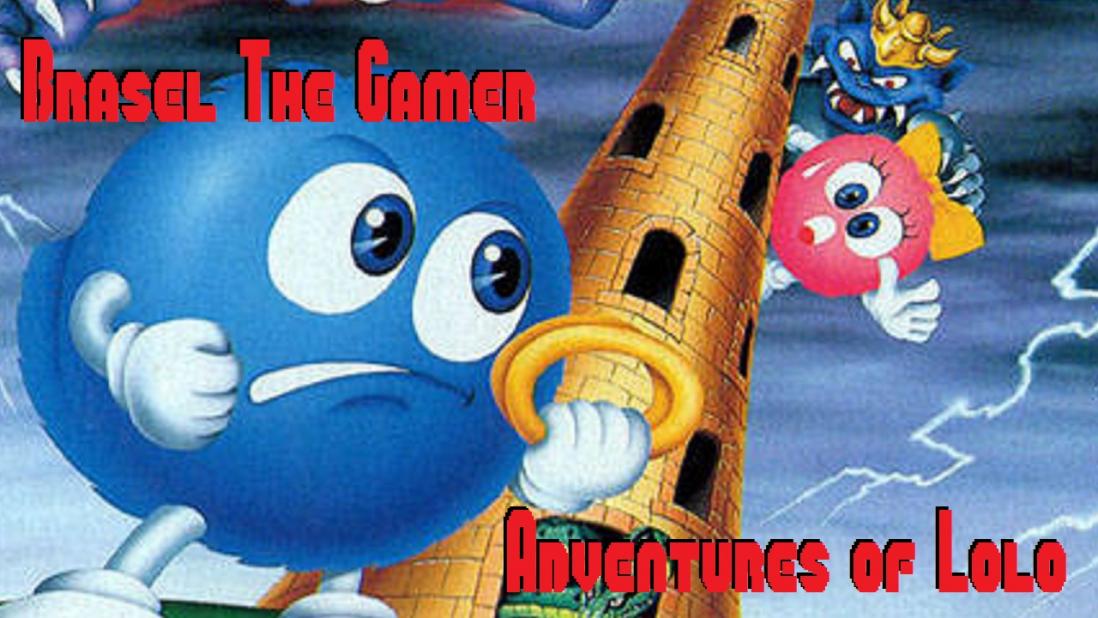
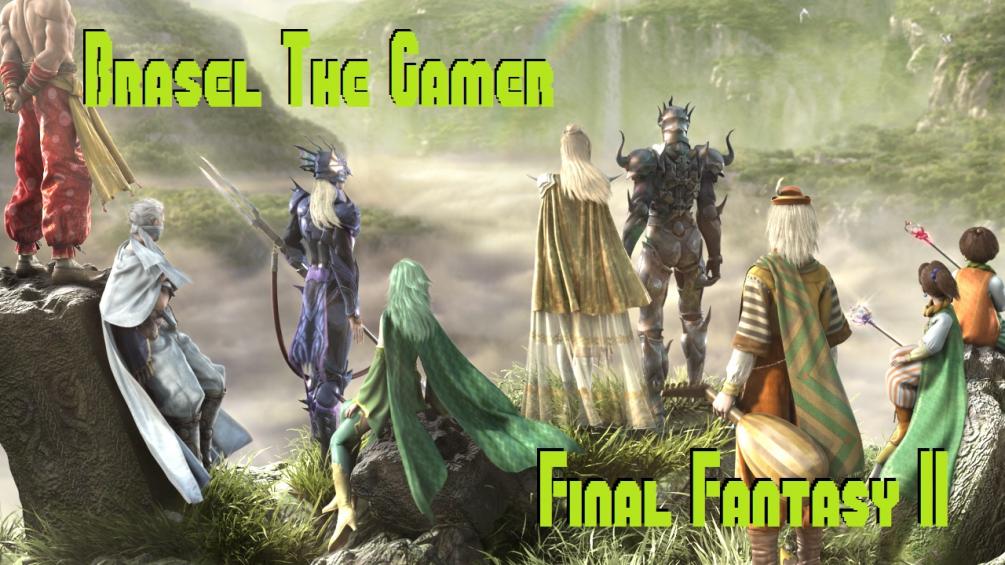
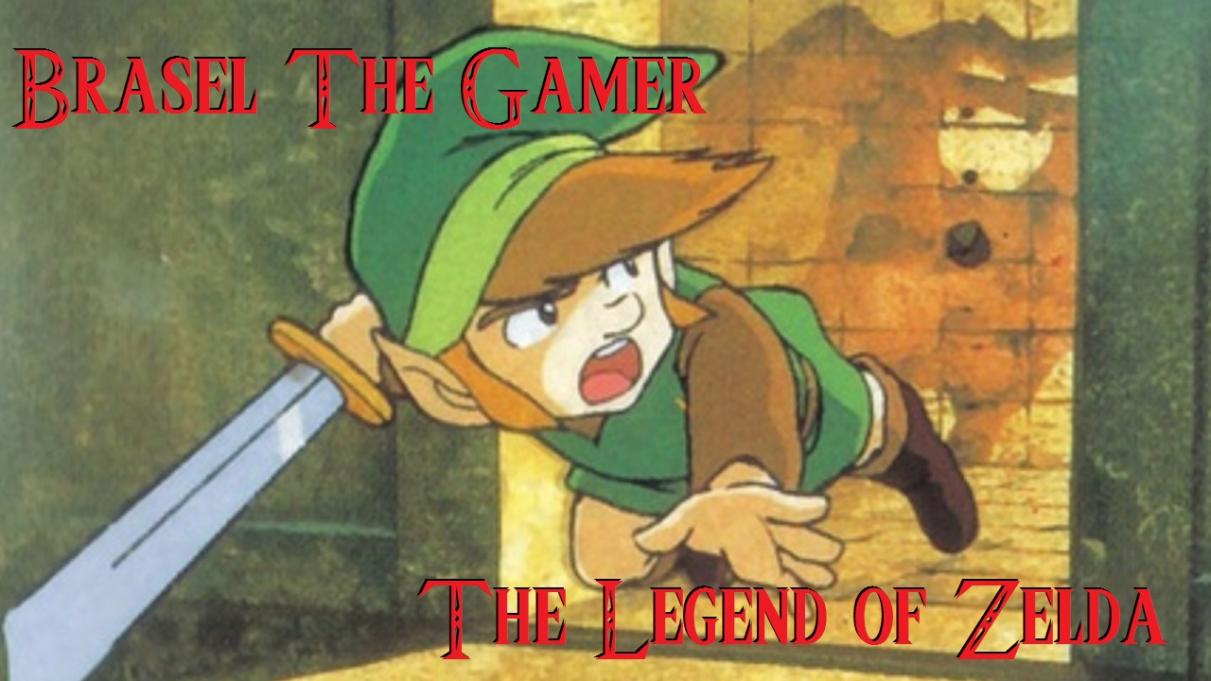
You have a tendency to pick out uncommon but interesting pieces of art for your title cards, and that really works out in your favor. I would increase the amount of shadow though on The Legend of Zelda so the text shows up better. For your FF1 card, I would also try to lighten the image some (do you have GIMP? MSpaint won't be able to do this) by taking a fill tool and overlaying a very transparent white on the image a little. Again, this just makes the text easier to read. I can tell this was a concern of yours as well since you shadowed all your text, but in order for it to jump out, I think this is a good way to go.
The alternative to all of this is to darken or lighten the edges, sort of like a pinhole effect or a "dream" effect. Whatever it is, I think its just how the text shows up. There's all sorts of ways to experiment.
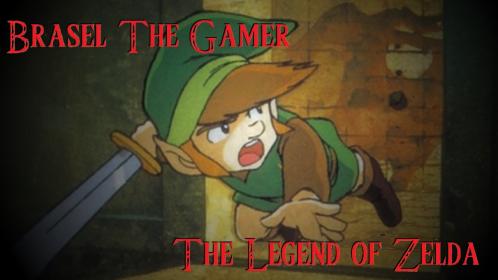
Here's some examples of what I mean, in terms of shaded/tinted borders. Also frosted the FF1 card a little bit. The shadow text didn't really take well cause you know, black and black. But you get the idea.
One other thing: while this won't matter at all for title cards, if you plan to use these images as icons for youtube videos (which replace an image of a clip from the video), consider the use of familiar logos so they can be quickly identified by viewers.
Attachments: